Apps Like PicStick : Photo editor for iPhone and iPad
Edit photos with filters and effects
Edit photos with cropping, resizing, and basic adjustments. Apply filters and effects. Add text and stickers. Share edited images directly. No subscription required.
by ATN Marketing SRL★ 4.713 ratingsPhoto & VideoFreeData updated 2026-09-09
Edit photos with filters, effects, and adjustments. Add text with multiple fonts, colors, and effects. Overlay text or add captions and 3D text. Include stickers, artwork, and frames. Create collages and personalize cards with photos.
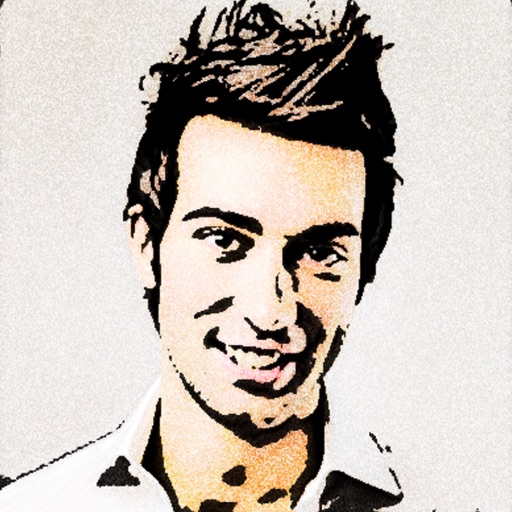
Turn photos into 12 styles with adjustable edge thickness. Add stickers before or after cartoonization. Save and share the edited image. No internet connection required.
The app provides real-time filters and image effects for photos. Users can add movie-like FX stickers to create action-packed images for social media sharing.
Create collages using hundreds of templates, layouts, and design options. Add effects, text, and stickers to photos. Share finished projects directly to social media accounts. Edit images with cropping, filters, and adjustments.
The app offers tools for photo editing, including enhancements, effects, and stickers. Users can adjust brightness, contrast, and color balance, and also crop, rotate, and straighten images.
The app allows users to blend two photos for a double exposure effect. It offers five artistic photo collections and various real-time blend modes for improvisation.
Turn photos into cartoons with AI-powered filters. Apply effects, add toon backgrounds, and combine drip effects. Edit layouts and create anime-style avatars. Share edited images on social media platforms like Instagram, Facebook, and TikTok.
Edit photos with retro filters and . Add antique textures and color adjustments. Apply nostalgic styles for a timeless look. Save and share edited images directly.
Create professional-quality graphics by adding overlays, fonts, backgrounds, and filters to photos. Edit images with cropping and adjustments. Share designs directly to social media platforms.
Edit photos with abs stickers, body contouring tools, and realistic texture overlays. Adjust body shape, add muscle definition, and apply filters. Save and share edited images. Track progress with the 21-day ab challenge.
Edit photos with color and film filters, vintage textures, and light leak effects. Adjust brightness, contrast, and saturation. Add vignettes and analog film sensations. Export edited images in various formats.
Edit photos with face-lifting, slimming, and skin retouching tools. Apply effects to preview future appearances. Enhance complexion and adjust facial features using AI technology. Add special effects for creative editing.
Edit photos by flipping, rotating, cropping, and applying filters. Use AI to suggest optimal filters. Flip images live during camera use. Batch edit multiple photos and save directly to the library.
Edit photos adjustable temperature, tint, and exposure settings. Use texture blending tools and apply effects. Add stickers opacity and shadow control, and include text 3D effects and multiple fonts. Crop, rotate, and straighten images.