Practice ear with customizable exercises for chords, intervals, and scales. Track progress across different disciplines. Use a configurable for visual and auditory learning. Receive guided tutorials and feedback to improve aural skills.
Create and share projects. Engage in Q&A about instruments, gear, and songwriting. Access real reviews and unbox videos from YouTubers and influencers. Communicate with musicians and creators. Collaborate on and exchange feedback.
Play a puzzle game where the objective is to score points by forming lines of five or more balls of the same color. Move balls to create lines, remove them for points, and track progress on Game Center leaderboards.
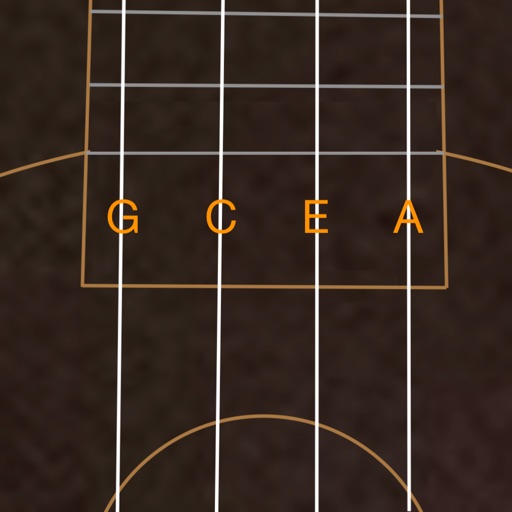
Access ukulele with detailed fingering and audio examples. Search for via built-in tools or Spotlight. View multiple chord positions and learn suggested finger placements.
Learn and practice and modes with interactive lessons and scale position loops. Swipe across strings to play and adjust speed. Use the tuner to stay in tune. Track progress and build muscle memory for improved finger dexterity and improvisation.
The app allows users to play chords by tapping buttons and strumming. Chord buttons can be reconfigured for over 150 chords per key, and users can experiment with picking melodies.
The app offers a comprehensive package for guitarists, including chord and scale references, alternate tunings, and a virtual guitar. It provides tools for mastering the fretboard, understanding chord-scale relationships, and finding chords.
The app allows users to write lyrics and record audio for song sections. It includes a chord picker, chord diagrams for multiple instruments, and support for the Nashville Numbering System.
The app allows users to create and edit melodies using a line-drawing mechanic. Users connect characters representing musical notes, with the drawn lines forming melodies that are governed by musical rules.
Displays triads of any musical scale visually. Users can explore chord progressions using the Circle of Fifths. Select a tonic to view chords in degrees or notes. Study and apply harmonizations directly within the .
The app helps users learn to read music notes by focusing on one set of notes at a time. It offers multiple clefs and saves progress as users advance through levels.
Create and edit musical scores and tablature with tools for notation and tab editing. Import or start new scores. Share files with collaborators. View and analyze existing sheet music and tablature. Adjust notes, rhythms, and formatting.