Resize and optimize photos to reduce file size by 80% to 20% while maintaining original resolution and quality. Support PNG, JPG, and GIF formats. Save space and share high-resolution images.
The app prepares images for websites, reduces file sizes for sharing, and batch resizes folders of images. It supports individual or bulk resizing, preserves aspect ratio, and processes images quickly.
The app offers a fast image viewing experience with a clean interface that hides controls when not needed. Users can browse thousands of images in a folder, view them in real-time without importing, and adjust images with various viewing options.
The app allows users to create, preview, and manage mockups for websites, mobile applications, or desktop applications. It offers a clean interface with unlimited page size and multi-page document support.
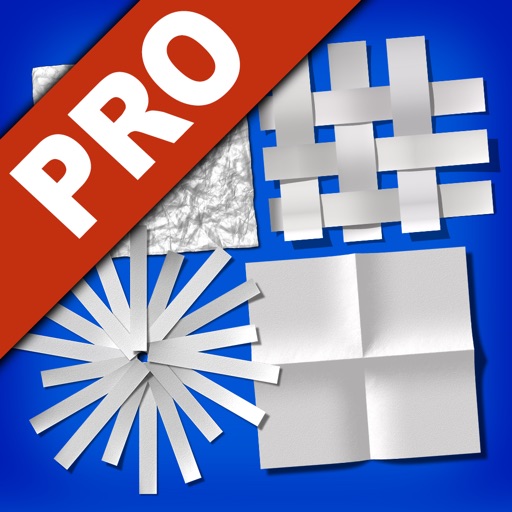
Edit photos by transforming them into creative paper formations with 3D light effects for detailed shadows. Fragment, join, weave, rip, and fold images with realistic creases and bends. Use one-touch presets or randomize for varied effects.
Measure distances, angles, and colors on any screen. Capture and analyze screen elements for design, development, or navigation tasks. Save and share measurement data directly.
Allows users to restore damaged photos using AI algorithms. Users can remove scratches, blur, and discoloration. The enhances visual clarity and transforms old photos. AI filters and creative styles can be applied for artistic effects.
Create original images using light effects. Apply light leak filters to add unique textures. Adjust brightness and contrast for enhanced visuals. Share edited photos directly to social media.
Create art with a variety of color palettes and brush tools. Choose from daily themed pages. Customize colors and patterns. Save and share completed artwork. Adjust brush size and opacity for detailed strokes.