Create flashcards for classroom use with simple design and image support. Save up to 300 cards. Randomize order and flip cards. Use with TV for large screen display. Compatible with iPad. Double-tap to end card view.
by Yuki Kubota★ 0.00 ratingsEducationFreeData updated 2026-09-09
Learn Chinese with adaptive lessons and flashcards
Tailor language learning with adaptive exercises and progress tracking. Practice vocabulary through flashcards and multiple choice questions. Learn grammar with textbook-style explanations. Receive feedback on pronunciation and sentence structure.
Capture documents and business cards by detecting borders and cropping images. Use OCR to extract text and change colors. Save photos, share to social media, and support iOS 10 and iPad.
Students can view course schedules, subjects, and classroom locations. Track periodic evaluations and teacher grades to monitor academic progress. Access a complete history of attendance and absence records.
Create flashcards with notes and color markers. Flip automatically, search for words, reorder, skip with slider, and import/export text files. Adjust font size to fit text on .
Study for exams with 6600 flashcards. Access materials offline. Listen to audio notes while driving or riding. Sort flashcards by topic. Search by keywords. Choose from five study modes. View detailed explanations for each card.
Listen to lessons, practice exercises, track progress
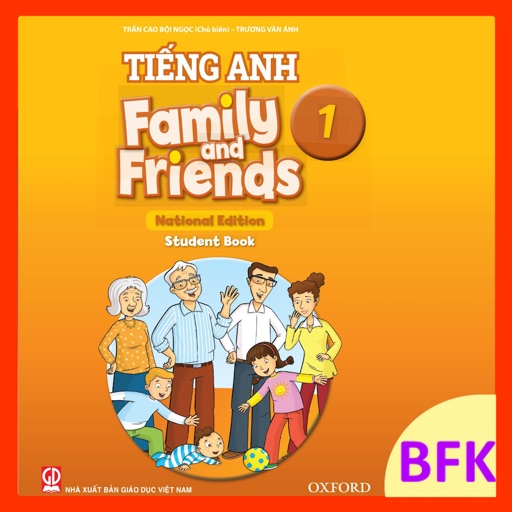
Grade 1 English provides offline listening exercises aligned with the 'Chân trời sáng tạo' textbook. Students can listen to lessons and view illustrated audio with images. Teachers can use the on phones or tablets for classroom instruction.
Study documents, create flashcards, record lectures, generate
Summarize study materials with AI-powered text summarization and slide translation. Create smart flashcards for review. Generate interactive quizzes in multiple formats. Solve problems instantly. Record lectures and transcribe notes.
Create original and by selecting from eight customizable parts: opening, characters, setting, dilemma, language features, objects, and ending. Spin options up to three times for varied combinations. Generate unique ideas for classroom use.
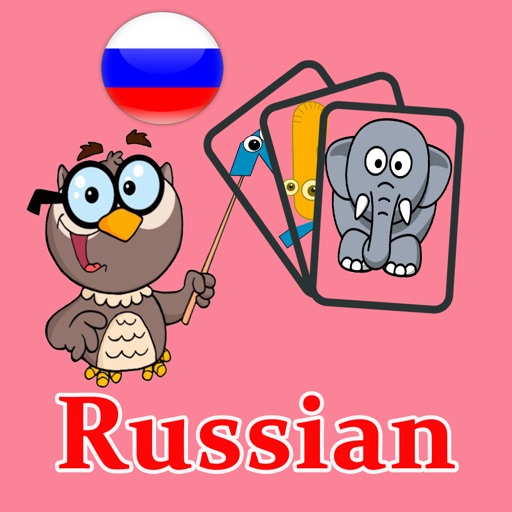
Learn with flashcards featuring images and audio for pronunciation. Review vocabulary related to objects found on Earth. Test knowledge with quizzes and track progress over time.
Create and share interactive lessons with multimedia content. Assign and grade quizzes in real time. Track student progress and participation. Integrate with devices for live collaboration. Export lesson materials and analytics.
Display a large digital on a flat screen TV for photo shoots or home decor. Customize faces and colors. Sync with devices to show time from a distance. Share designs for use in professional settings.
Create personalized flashcards from book highlights. Generate concise summaries of key takeaways. Connect ideas across your reading library. Review flashcards daily to reinforce memory retention.
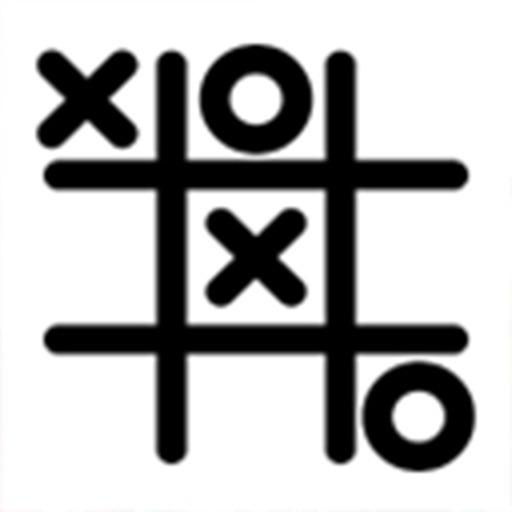
Play Tic Tac Toe against another player or the iPhone. Choose from three difficulty levels for AI opponents. Randomize moves to avoid repetitive patterns. Support for single and multiplayer modes.
Create and manage flash card decks using markdown files. Edit cards in any text editor with live previews. Track progress with a commitment calendar and grade summary. Use an AI scheduler to optimize review intervals.
Create quizzes, maps, and flashcards instantly using AI. Organize study sessions with smart timers and daily goals. Join virtual classes, compete with other students, and challenge peers. Earn points, level up, and unlock rewards.
The app allows users to design personalized holiday cards. Users can add holiday icons, their own photos, and customized text to create unique greetings for various occasions.
Learn Japanese and with flashcards that test recognition in both directions. Take multiple-choice quizzes to reinforce character reading. Practice writing characters with guided tracing. Track progress through in- statistics.
Learn English–Myanmar vocabulary through structured lessons from basic to upper-intermediate. Use flashcards with audio and bilingual examples. Take typing and fill-in-the-blank quizzes to practice. Receive a new word daily to reinforce learning.
Practice distinguishing sj- and kj-sounds through image cards. Drag and drop cards to create stories or games. Reinforce pronunciation and language awareness with visual prompts and wordplay activities.
Create custom flashcard decks and individual cards quickly. Use spaced repetition to improve retention. Review cards in daily modes tailored to your schedule. Track performance and accuracy with clear statistics. Organize content by decks or topics.