Create flashcards for classroom use with simple design and image support. Save up to 300 cards. Randomize order and flip cards. Use with TV for large screen display. Compatible with iPad. Double-tap to end card view.
by Yuki Kubota★ 0.00 ratingsEducationFreeData updated 2026-09-09
The app displays English words with Japanese meanings and additional information. It offers native pronunciation and features for memorization, including hiding words and level-based or part-of-speech-based learning.
QR codes and barcodes using camera or image files, store history, and use flashlight for low-light scanning. Import vCard to contacts and event details to calendar. VietQR for payments. Create QR codes for business cards, URLs, emails, and more.
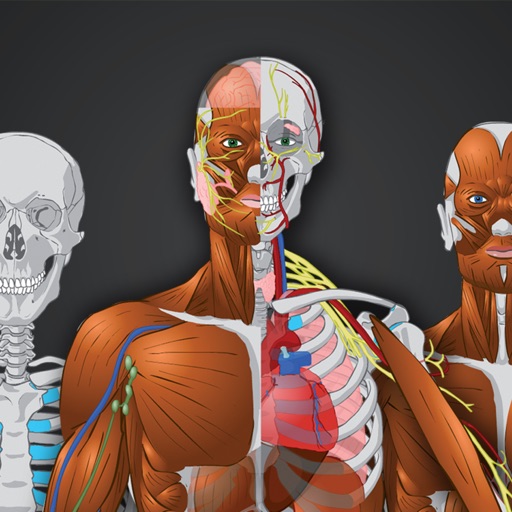
Learn through interactive quizzes and visual flashcards. Test knowledge with multiple-choice questions. Explore detailed 3D models of body systems. Study in offline mode with English and Czech language support. Track progress and review mistakes.
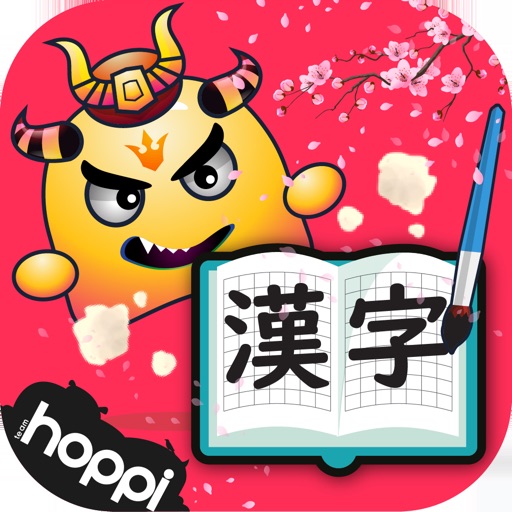
Learn Japanese through flashcards and quiz games. Practice reading, pronunciation, and writing with detailed information on meanings, on-yomi, kun-yomi, and stroke order. Access over 1000 from JLPT levels N5 to N2 and 3500 related vocabulary.
Create flashcards from notes, textbooks, or PDFs using AI. Generate quizzes and summaries automatically. Track progress with study plans and performance analytics. Export materials in various formats for review.
The through interactive flashcards and quizzes. Explore characters, pronunciation, and phonetic sounds. Test knowledge with quizzes. Swipe through cards at your own pace. Build foundational language skills.
With interactive lessons tailored to your level and goals. Practice speaking through conversation exercises. Test vocabulary with quizzes and flashcards. Track progress with built-in assessments and goal setting.
Create randomized lists for names, numbers, or words. Select items randomly for classroom activities or home use. Manage lists, set preferences, and share results.
Learn through audio-based courses in subjects like statistics, probability, and computer science. Practice with flashcards and quizzes. Use spaced repetition and interleaving to improve retention. Track progress and review material for better recall.
Upload PDFs or documents to create interactive flashcards. The extracts key information and formats it into question-and-answer cards. Users can review cards, mark answers as correct or incorrect, and track progress over time.
Turn photos into language lessons by identifying objects and generating vocabulary cards with pronunciation. Tap word tags to hear audio pronunciations. Use spaced repetition system to review words and improve retention.