The app allows users to create and edit .plist files. It offers features such as importing/exporting files, undo/redo functionality, and copying/pasting items.
by Natalia Tsybulenka★ 3.02 ratingsProductivityFreeData updated 2026-11-14
Allows users to save and organize copied content into multiple boards. Users can access history across devices, share content in real time, and manage notes, links, images, and files. Content can be sorted and searched for easy retrieval.
The app allows users to rename files and folders using flexible criteria. It can add date/time stamps, replace numbers, insert text, convert case, add auto-numbers, and process folders and sub-folders.
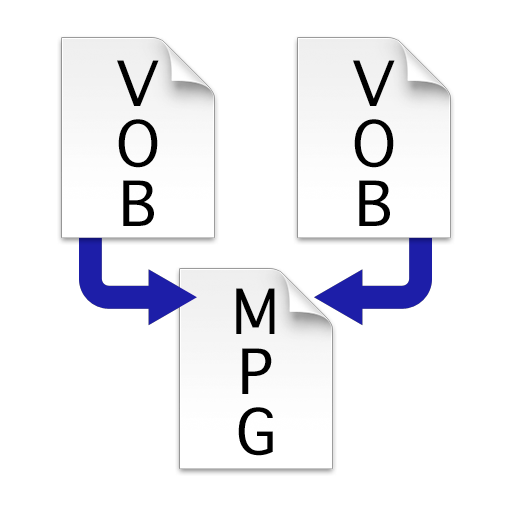
Combine multiple VOB files into a single MPEG file without re-encoding. Merge VIDEO_TS folders to create one large video file. Save and export the merged file for playback or transfer.
Manage files and media with support for iWork, Excel, Word, PDF, text, video, and audio formats. Organize files by copying, moving, renaming, and creating folders. View and edit photos, record and playback audio/video, and write notes.
The app offers file synchronization and backup capabilities. It allows users to create tasks, select folders, and synchronize files with various configuration options for handling files, archives, and notifications.
The app allows users to create custom flashcard decks or import existing material. It tracks learning progress and includes pre-made decks for language study.
The app converts PDF files into editable Pages documents, preserving original formatting and content. Users can convert unlimited files and select specific pages for conversion, saving time on manual retyping and reformatting.
Saves selected web text as a plain text file with one click. Auto-detects main content if no text is selected. Avoids copy-pasting by generating universal text files instead of formatted notes.
The app allows users to open and read ODT and OTT files on Mac. It supports text search, conversion to PDF, and printing, with various viewing options for document navigation and formatting.
The app views 3D STL files in ASCII and binary formats. It offers features like rotating, panning, zooming, and changing rendering modes, along with file information such as size, dimensions, surface area, and volume.