The app allows users to create custom stickers from their photos. Users can select images from their camera, albums, or search results to isolate objects and turn them into stickers.
by James Parrott★ 5.02 ratingsPhoto & VideoFreeData updated 2026-11-13
The app offers photo editing tools including filters, effects, and adjustments for brightness, contrast, and saturation. Users can add text, stickers, and frames to their images before saving or sharing.
Remove from photos using a freehand cut tool. Select images and create multiple cutouts. Edit cutout details for precise results. Use cutouts as stickers or stamps on other photos. Move, zoom, and rotate cutouts for flexible editing.
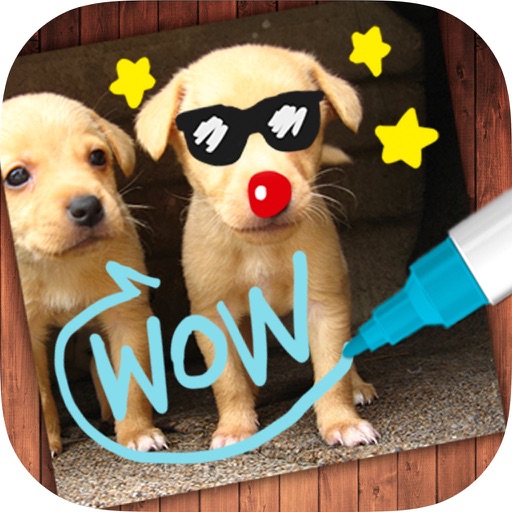
The app allows users to create images by writing notes, drawing, and adding captions. Users can select photos from their gallery or take new ones to add various drawing tools and colors.
Edit photos with color filters, brightness, and contrast adjustments. Add stickers and text. Apply film-inspired presets and advanced camera controls. Export edited images in multiple formats.
Edit photos with holiday , text, and stickers. Add personal messages to images. Save edited photos as device wallpaper. Share finished cards with others.