The app allows users to create custom stickers from their photos. Users can select images from their camera, albums, or search results to isolate objects and turn them into stickers.
by James Parrott★ 5.02 ratingsPhoto & VideoFreeData updated 2026-11-13
Edit photos with high-quality resolution and advanced filters. Adjust brightness, contrast, and saturation. Add text overlays and stickers. Crop and rotate images. Export in various formats and share directly.
Add to iMessage conversations. Tap the Store icon in iMessage, navigate to the Manage tab, and install the stickers. Use them in messages by tapping the icon and selecting from the collection.
Send message stickers in iMessage. Tap to add stickers to messages, photos, or bubbles. Stack stickers in conversations. Scale and rotate stickers as needed. Manage stickers through the drawer.
Edit photos with fun stickers like hair, beard, sunglasses, mouth, eyes, ears, and nose. Add text and modify facial features. Save, share, and set edited photos as wallpaper.
Create collages by arranging photos, text, and stickers. Edit images with cropping, filters, and adjustments. Design carousels to share stories. Add frames, borders, and backgrounds. Export and share finished projects directly.
Generate hyper-real AI couple and wedding photos by uploading two images. Create family-style portraits or add playful stickers. Edit and export images in various formats.
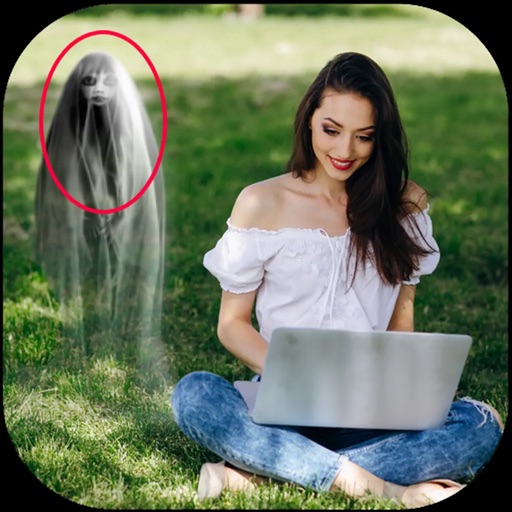
Create spooky images by adding ghosts, skulls, and skeletons to photos. Select from free stickers and customize . Share modified images directly with friends.
Create logos, insignias, and emblems with customizable templates and 3D art tools. Design banners, thumbnails, and stickers. Export in multiple formats and share directly.
The app provides a powerful editor with a simple design for photo enhancement. Users can add custom textures, stickers, and text to their images, with options for focus, color splash, and various filters.