The app allows users to wirelessly transfer epub files from a desktop to an iPhone. Users can then read these files with text zoom and indexing functions for an improved experience.
by Chenglin Liu★ 5.01 ratingsBook$0.99Data updated 2026-11-15
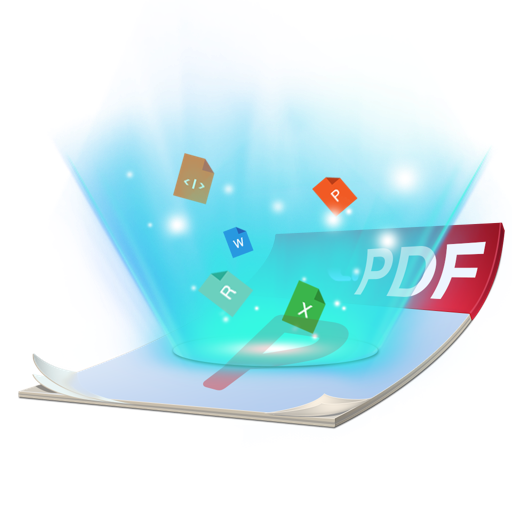
The app converts PDF files to various formats including Word, Excel, and iWork Pages. It preserves original formatting, text, and images during conversion.
The app displays text one word at a time to help users train their attention and improve reading speed. It supports various import formats and offers multiple training modes to enhance focus and visual skills.
Access verses, notes, and translations. Search for specific passages or topics. Use AI to discuss faith, life, and scripture. Read aloud with text-to-speech. Generate summaries and translations. Save and organize notes for personal or group study.
View images and texts without unarchiving files. Browse ZIP, RAR, and folders with directory search and sorting. Customize background color, zoom, and reading direction. Support live text recognition for text files.
The app allows users to organize related files into groups on the desktop. Users can add or remove files using drag and drop, move groups freely, and rename them.
Create UML diagrams with class, interface, note, and association elements. Draw generalization, realization, and dependency relationships. Export diagrams as PNG via email or save to camera roll. Export XML files for desktop use.
View PDF documents with fast opening and support for iCloud storage. Browse pages in thumbnail or continuous view. Access comments, attachments, and protected files. Choose single page or fit to page layout.
View chess diagrams from eBooks by double-tapping to display real-time board setups. Adjust piece positions and analyze variations directly on the device. Save and share annotated game positions for later review.