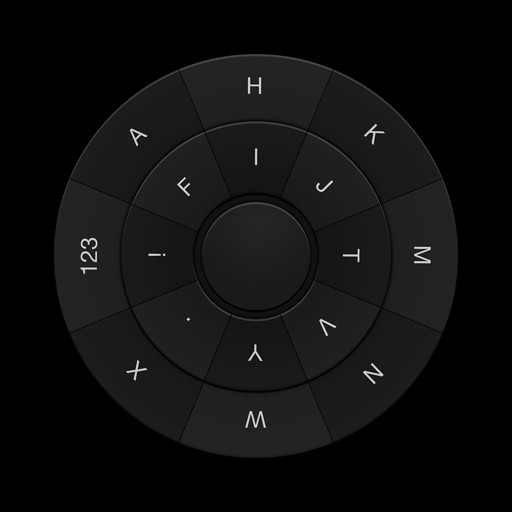
The app manages notes with text and images, featuring special Khmer keyboards for writing. It allows searching notes by time or text and sharing them via social networks, email, or SMS.
by TopOfStack Software Limited★ 1.52 ratingsLifestyleFreeData updated 2026-11-13
The app allows users to photograph or import images to record measurements, angles, and text notes. Users can save and share these annotated images, organizing them into folders.
Create text-only diaries with customizable topics for organized record-keeping. Use emoji stickers to personalize cover colors. Export screenshots for editing and sharing daily or monthly entries.
Quick Notes allows secure short-form note-taking with instant encryption. Long Notes provides a markdown-ready space for detailed writing. Updates lets users post status updates to private groups.
View upcoming events and past messages. Watch or listen to sermons offline. Take notes and access the Sunday program. Share messages via social media or email.
The app allows users to decorate text messages and emails with over 500 emoji art designs. Users can send emoji art directly to WhatsApp or copy and paste it into other applications.
Organize and manage links from various apps in one place. Save links by pasting URLs, scanning QR codes, or sharing directly. Add notes and tags for categorization. Access links without switching apps. Data is stored locally and backed up to iCloud.
The app offers numerous standard layouts and artistic filters, including B&W and vintage effects. Users can adjust exposure, contrast, saturation, and white balance for their photos.
The app converts paper documents into editable text files using the device's camera. It supports text recognition in over 130 languages and can import documents from various sources, including cloud storage and Wi-Fi scanners.
Watch past messages or listen to them offline. Stream live services and receive push notifications. Share messages via social media or email. Download content for offline use. Follow message notes during service. Make online donations.
Keep a daily to record life with text and images. View entries in a timeline format. Customize font size and style. Set daily reminders. Secure entries with passcode or Touch ID. Back up data to iCloud.
Create and send personalized cards with over 100 designs. Add custom messages, text, and stickers. Include effects and share via email or social media.
Track vehicle history with entries for mileage, fueling, maintenance, and other notes. Record daily notes and save maintenance costs. Create multiple entries per day and organize records for each vehicle.
Documents, receipts, invoices, and business cards with high-quality scans. text, add notes, and organize files. Export as PDF or image formats and share directly.
Allows users to add notes, photos, and voice recordings to specific locations on a map. Users can set custom icons for categories, look up addresses, organize notes by category, and choose colored notes for better visibility.
Record audio conversations and transcribe them in real time. Create personal notes, email meeting minutes, generate text summaries, and outline essays. Organize and share content through various formats.