The app provides selected memes and allows adding stickers for humorous outcomes. Users can access random images and stickers from Imgur, and play MLG sounds via a soundboard.
by Paul Halpin★ 4.510 ratingsPhoto & VideoFreeData updated 2026-11-13
The app offers a full editing suite with color, brightness, and contrast adjustments. It includes filters, frames, effects, and a meme maker with speech bubbles and text options.
Create collages by combining photos, adding stickers, and applying effects. Choose from multiple layouts and templates. Edit images with cropping and filters. Share finished collages directly to social media.
The app allows users to create unique stickers from photos, drawings, and text. Users can share personalized stickers, emojis, and memes on various messaging platforms.
Edit photos by adding such as cupcakes, ice cream, rabbits, and unicorns. Customize images with romantic and cute designs. Save and share edited photos directly from the .
Send messages with 2,200 high-resolution emojis and 5,000 text suggestions. Customize conversations with oversized emojis and smart message ideas. Share packs and text templates with contacts. Sync across devices for consistent messaging experience.
Create custom emojis using AI by typing a prompt. Generate unique stickers for social media or messaging. Edit and download emojis in various formats. Share created emojis across supported platforms.
Add stickers to iMessages by downloading and installing the . Place stickers anywhere in chats, customize photos with stickers, layer them over each other or on images, and adjust size and rotation.
Create and customize soundboards with recorded or imported audio. Adjust pitch and speed, trim clips, and change layouts. Share sounds as videos via Messages. Export soundboards to Files. Add and explore open-source sounds.
Allows trimming, cutting, and adding effects to videos. Collage lets arrange multiple photos into grids or layouts. Slideshow creates timed photo presentations with music. Photo offers filters, cropping, and text tools.
Create and customize emojis and stickers by combining elements like eyes and smiles. Edit existing emojis or build from scratch. Export designs as high-quality stickers for WhatsApp, iMessage, Telegram, and social media.
Send by tapping to use as emoji or holding to peel and place on messages. Customize sticker positions over text, images, or other . Share creative designs directly within iMessage.
Search for animated stickers and GIFs from a large library. Share stickers directly from the keyboard or choose from curated reactions. Add stickers to messages or social media posts. Sync with iOS and Android devices.
Create and send animated stickers with custom text. Choose from a variety of styles and themes. Add effects and sounds. Share stickers via messages or social media. Edit sticker content before sending.
Create humorous collages by merging multiple images. Add text, stickers, and effects. Share edited photos directly to Facebook, Instagram, and other social platforms. Edit photos with a variety of filters and editing tools.
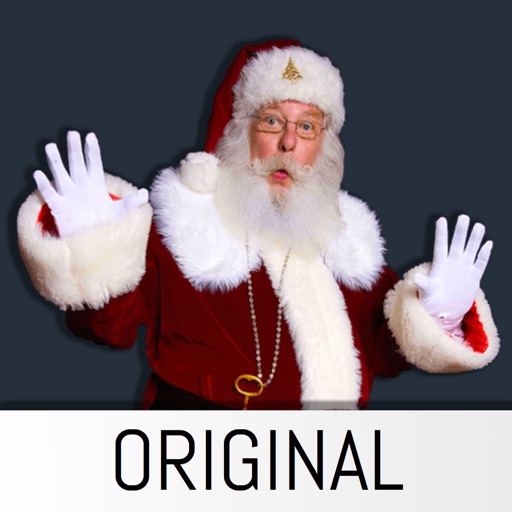
The app allows users to insert Santa stickers into photos. Users can create custom scenes for various holidays and events, save, and share unlimited pictures.
Create animated stickers with customizable characters, backgrounds, and motion effects. Add text, sound, and emojis. Share stickers via messages, social media, or email. Edit and refine stickers using built-in tools and templates.
Create videos by selecting from camera or gallery. Adjust frame duration and apply effects, filters, themes, doodles, and stickers. Add music and create slideshow animations gif memes and stickers.