The app allows users to create digital art using various brush styles and effects. Users can save their creations to a gallery or share them via email, Facebook, and Twitter.
by Paulius Vindzigelskis★ 2.01 ratingsEntertainmentFreeData updated 2026-11-12
The app allows users to create pixel art characters or landscapes using their fingers. It includes a color history feature to store four colors per work and a gallery to manage created art.
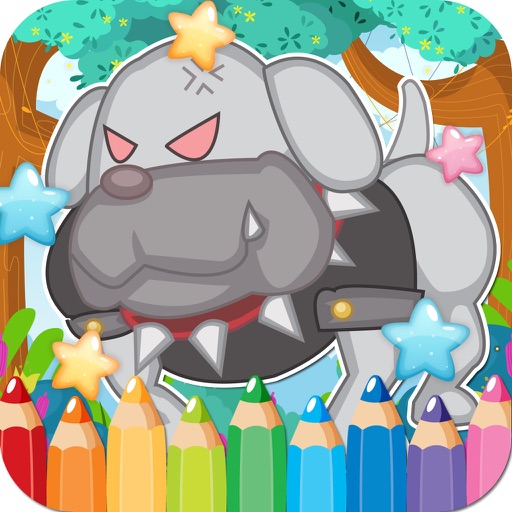
Create and customize drawings with a variety of colors and tools. Select from pre-designed featuring dogs. Save and share completed artwork. Learn fine motor skills and creativity through interactive activities.
Edit photos by selecting from the gallery or capturing new ones. Apply various frames and effects. Adjust position, size, and angle. Save, share, or upload images to social media platforms like Facebook and Twitter.
Edit photos by selecting from the gallery or capturing with the camera. Apply multiple and effects. Adjust position, size, and angle. Save, share, or upload images to social media platforms like Facebook, Twitter, and email.
Transform photos into artworks with customizable brushes and artistic effects. Apply color filters and use dynamic generative brushes for creative expression. Adjust brush stroke styles, sizes, and effects to refine details.
Create blur effects by tracing fingers over photos, automatically corrected for natural results. Zoom in or out with pinching gestures for precise . Check results by tracing over the screen.
Edit photos with over 1000 filters and effects. Apply artistic sketches, paintings, or cartoon styles. Add textures and vignettes. Create cards with customizable templates. Auto-enhance images and export in various formats.