The app introduces youngsters to computer keyboards. It allows children to find letters, words, and short sentences on their keyboards while having fun.
by Ken GARZO★ 0.00 ratingsEducationFreeData updated 2026-11-12
The app helps children learn English words and letters through eight distinct sections. Cartoon images and sounds aid in quick learning and repetition of over 100 words.
Learn new words with AI-powered translations and example sentences. View detailed explanations and real-world usage. Manage vocabulary by adding, editing, deleting, and organizing words into collections.
Crossword Puzzles for Kids lets users solve crosswords with themed clues. Features include puzzles with animal, food, and color categories. Users can match letters using a color-coded system. Track progress through completed puzzles.
Learn through interactive games. Identify letters by matching images and symbols. Practice quick tapping to reinforce recognition. Track progress through structured stages and repeated gameplay.
The app offers American War History Trivia with categories including the Civil War and World Wars. Questions are researched and presented in a hangman-style format with a 20-letter input allowance.
Practice facts with randomly generated flashcards for Addition, Subtraction, Multiplication, and Division. Complete 40 stages per operation to build memory through repetition.
The app teaches children to read and write the English alphabet, including uppercase and lowercase letters. It helps users' children learn how letters relate to sounds and spell words.
The app teaches Chinese characters and words using the HeChinese study method. It focuses on speaking directly from Chinese words without using Pinyin.
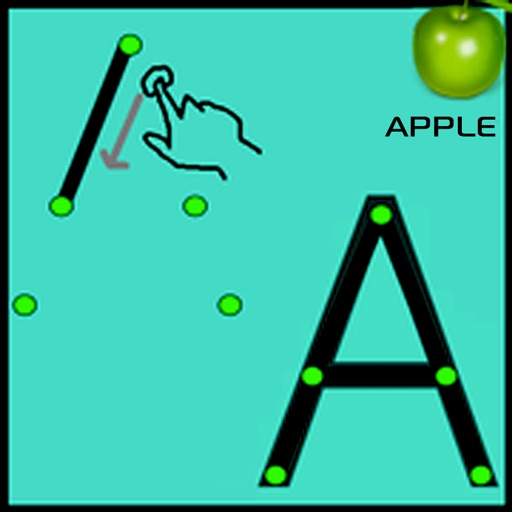
The app helps children learn to form letters correctly and recognize lowercase and uppercase versions. Children can trace hollow letters using numbered arrows as a guide.
Learn counting, colors, and shapes through playful
Explore educational games for preschoolers focusing on counting, colors, shapes, and basic learning concepts. Interact with charming characters and cute illustrations.
Practice - with game-like training exercises. Tap keys to play notes. Support for MIDI keyboards. Review missed notes and view accuracy statistics. Focus on specific ranges and progress step-by-step. Take a certification test to assess skill level.
The app offers typing lessons for home keys, neighbor keys, capitalization, punctuation, and numbers. It includes practice exercises like drills, prose, and poems, along with typing games and dictation audio exercises for transcription.