The app introduces youngsters to computer keyboards. It allows children to find letters, words, and short sentences on their keyboards while having fun.
by Ken GARZO★ 0.00 ratingsEducationFreeData updated 2026-11-12
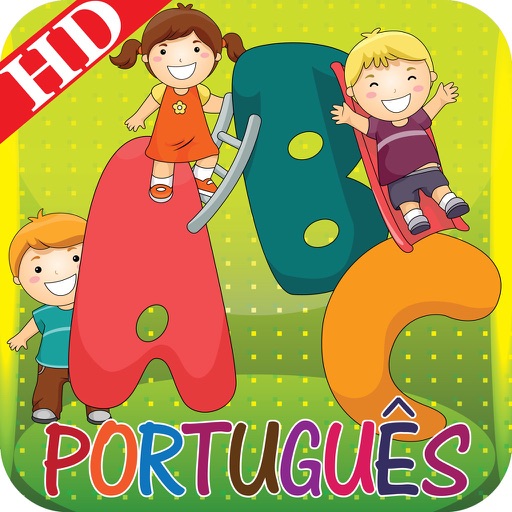
The app provides an interactive and colorful experience for children to learn Portuguese ABC letters and basic words. Each letter includes multiple words with pictures and sound, enhancing a child's vocabulary.
The app offers typing games and a step-by-step tutorial with cartoon characters. It helps users develop reading and typing skills through various educational activities, including letter recognition and matching games.
Learn basics through Hindi translations. Practice spoken with audio and visual aids. Recognize alphabets with clear images and pronunciation. Track progress with interactive lessons and exercises.
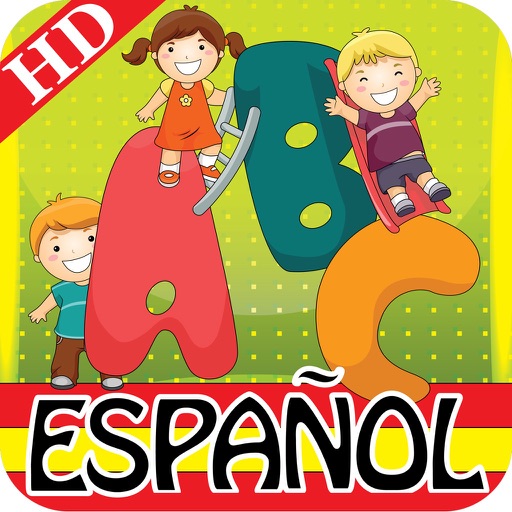
Interactive colorful Spanish alphabet learning for children.
The app teaches Spanish ABC letters and basic words with colorful pictures and sounds. It helps enhance a child's IQ and vocabulary through interactive learning and songs.
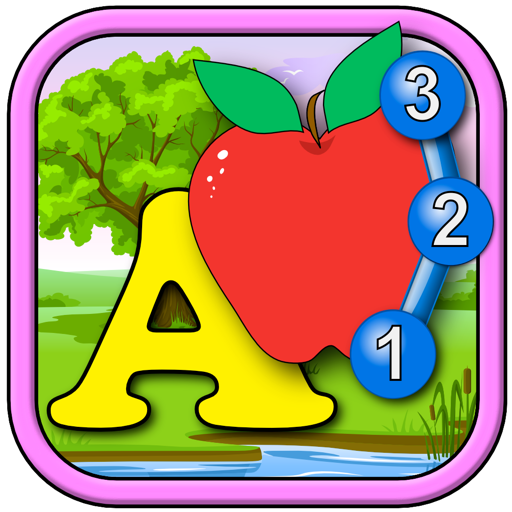
Complete the dot teach the English alphabet, numbers, and basic addition and subtraction up to 20. Users can solve letter shape jigsaw , play memory matching games, and use flashcard math exercises.
The app offers 41 brain games with hundreds of variations for solo or multiplayer play. Users can earn a Bachelor of Gaming Arts degree by completing challenges and aiming for academic success within the game.
View text with support for StarDict format dictionaries. Search across all dictionaries while typing. Look up words by tapping and holding in text. Use a dark color scheme for better readability. Access clipboard content for quick word lookup.
Learn through crosswords with puzzles featuring 300+ words across categories like animals, food, and colors. Solve puzzles with a color-coded letter system to aid word placement. Track progress and build vocabulary, spelling, and reading skills.
Rune keyboards allow users to input runes for English and German transcription. Each key reveals additional characters and symbols when pressed and held. Users can switch between Elder Futhark and Anglo-Saxon Futhork keyboards.
Access Quranic verses by searching surah names or numbers in English and Bengali. Locate specific words or sentences in Arabic, Bengali translations, and tafsir. Choose verses from a drop-down menu.