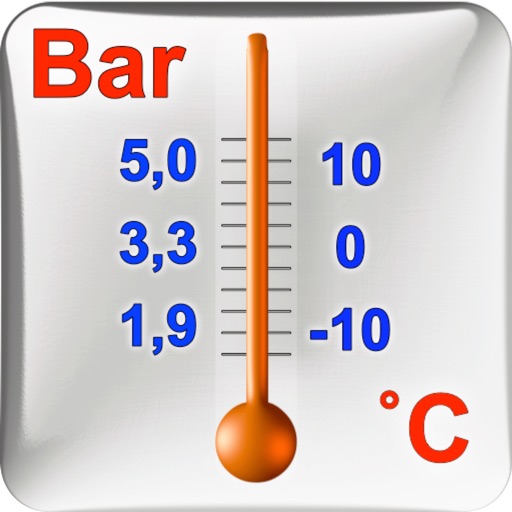
The app calculates moist air status values including pressure, temperature, and humidity. It computes other values when three expressions of relations are provided, assuming normal atmospheric pressure.
by AIR DESIGN, INC.★ 0.00 ratingsProductivity$0.99Data updated 2026-11-12
The app calculates standard resistance values for electronic circuits based on E-series numbers. It supports voltage dividers, series, parallel, and combination circuits, with options for resistance ratio or output voltage priority.
The app calculates the proportion between two values expressed in percent. It allows users to find the percent increase or decrease between two values.
Perform calculations, convert units of measurement, and switch between different calculation modes. Input values, select formulas, and view results. Track history and manage multiple calculation sessions.
Measure ambient temperature using GPS and display in . Show temperature in a badge with below-zero values indicated. Convert to Fahrenheit with a formula. Include barometric pressure readings from the pressure sensor.
Convert units across 180+ categories including angles, areas, cooking units, weight, clothing, and shoes. Convert 180+ currencies and digital currencies like Bitcoin and Doge. Enter values and get instant conversion results.
Convert pressure or temperature values for refrigeration systems using ammonia R717, freon HCFC-22, R-22, and R134a. Calculate compressor and condenser parameters. Input values to obtain results for overheating and other related calculations.
Get real-time weather updates with current temperature, humidity, wind speed, and air pressure. View detailed forecasts for your location or any global destination. Receive alerts for severe weather conditions. Track weather trends over time.
Record readings in the morning and evening. Automatically calculate average values for each period. Save multiple measurements without limits. Adjust readings using a slider on the Today screen. View saved measurements and averages.
Tracks location, speed, altitude, heading, acceleration, g-force, and atmospheric pressure. Displays and records current weather. Plays back tracks at multiple speeds. Provides suggested routes for reference. Allows pausing and resuming tracking.
Calculate lengths, angles, and area of shapes. Select a shape from a list. Input values into text boxes linked to orange points. Adjust point positions using the NEXT button or tapping points.
Access psychrometric calculations quickly and easily.
The app provides access to calculations like dew point and dehumidifier performance. Users enter temperature and relative humidity to see dew point or grains per pound, aiding job monitoring.
Determine resistor values by selecting ring colors and number of rings. Choose orientation with the larger gap on the right. Receive value, tolerance, and other details.
Calculate dimensions and pressure loss for 7 materials. Solve linear and rolling offsets, cutbacks, and other job site equations. Convert units and store standard data for quick access.