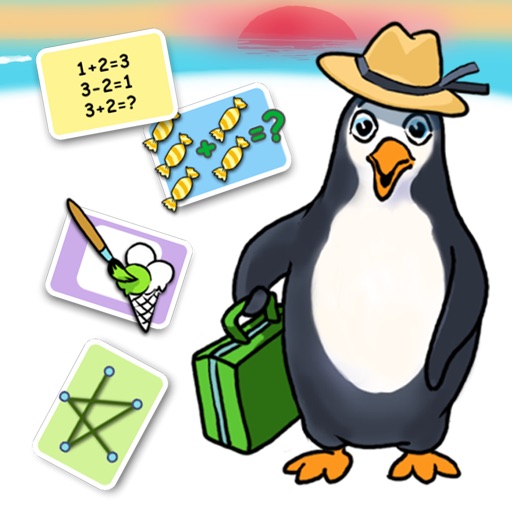
The app offers four activities to practice math skills. Children can count and paint, solve addition and subtraction problems, and connect dots to learn number sequences.
by Leripa AB★ 0.00 ratingsEducation$3.99Data updated 2026-11-12
Practice facts with addition, subtraction, multiplication,
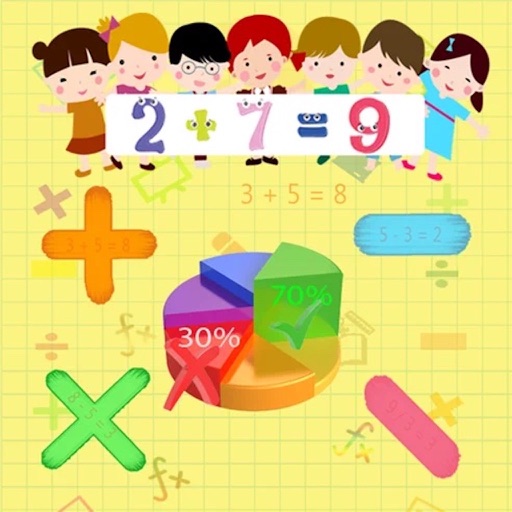
Practice basic facts with addition, subtraction, multiplication, and division. Solve randomly generated problems with or without a time limit. Track progress through visual charts. Adjust difficulty for grades 1 to 4.
The app helps children learn counting, addition, and subtraction using fingers, eyes, and ears. It allows them to create and manipulate numbers, exploring mathematical concepts like ordinality, cardinality, and arithmetic.
The app allows users to practice addition and subtraction concepts by dragging number tiles to balances. Users can explore problems or create them for others.
The app offers a 6-dot braille on-screen keyboard with support for various 6-dot braille codes. It allows for an indefinite number of 40-cell braille lines and includes cut, copy, and paste functionality.
Practice arithmetic operations like addition, subtraction, multiplication, and division with customizable exercises. View progress statistics and adjust difficulty levels. All data is stored locally with no online syncing.
Practice addition and subtraction skills interactively.
The app offers six game modes for practicing addition and subtraction, with four difficulty levels. Users can rescue 24 Squeebles and earn turns in a mini-game as rewards for correct answers.
The app teaches addition and subtraction within 100 for ages 7-11. It features five levels with increasing mathematical difficulty, collectible characters, and two game modes.
HOLAGO BILISIM TEKNOLOJILERI YAZILIM DANISMANLIK TICARET ANONIM SIRKETI
Match and paint to complete the masterpiece
Tap to select colors and match three identical items. Paint sections of an image by completing color matches. Complete the picture by filling in all sections with correct color combinations.
Help children practice with interactive exercises and instant feedback. Track progress with detailed reports. Set personalized learning goals and receive reminders for daily practice. Sync across devices for continued learning.
Solve equations with addition, subtraction, multiplication, and division. View step-by-step working to understand solutions. Handle mixed and partial fractions. Convert between decimals and fractions. Find factors of numbers or common factors.
Practice basic addition and subtraction with multiple choice questions. Set the number of questions and difficulty level. Track progress with positive reinforcement. Share results with parents.
The app helps children learn and practice math with engaging activities. It offers tools to improve learning abilities and covers topics like addition, subtraction, multiplication, and division.
AR measuring lets users tap two points on the camera screen to measure object lengths. Auto convert button changes units. performs basic math functions.
The app features multiple game modes including Time Attack, Speed Tapping, All Dots, Survival, and Dot Attack. Players tap dots to make them disappear and achieve high scores.
Tap to defeat them in a simple, pixel-based game. Play against increasing difficulty levels. Track high scores and compete with others. Adjust game speed and sound settings. Share achievements on social media.