The app is a vector illustration application for iPhone, iPod Touch, and iPad. It supports paths, text, images, groups, masks, and gradient fills with an unlimited number of layers.
by Top Apps Inc.★ 4.04 ratingsPhoto & VideoFreeData updated 2026-11-12
Edit and navigate handwritten documents with vector drawing tools. Organize files using Apple's document browser. Sync with iCloud and other cloud services. Save in open SVG format for compatibility with other vector graphics software.
The app offers layer-based photo editing with unlimited layers. Users can add textures, typography, artwork, masks, and adjustments to personalize images.
The app allows users to draw and design with various line weights, colors, and types. It includes tools for adding text, different paper grids, and saving or exporting drawings as pictures or PDFs.
Learn to draw with step-by-step tutorials covering animals, cartoons, and flowers. Practice by tracing images or sketching freely. Save and share completed artwork.
Plan daily tasks, set reminders, and manage events with a customizable calendar. Sync across devices and access key features via a customizable bottom navigation bar. Track personal and work goals with a visual timeline and schedule.
The app allows users to create spiral drawings with colorful gears and rings. Users can import photos, use Apple Pencil, and draw hypotrochoids and epitrochoids.
Use camera as tracing projector to on paper. Trace lines directly with pencil. Access and painting features. Learn to people, anime, and objects. View step-by-step guidance for artistic techniques.
Allows users to collect site data using a mobile device. They can drop pins to document action items, capture images and notes, and generate reports instantly. Real-time geolocation helps track location during site visits.
The app combines geometric shapes with text and equation editing. Drawing data can be transferred for collaboration and backup, and drawings can be shared on social media.
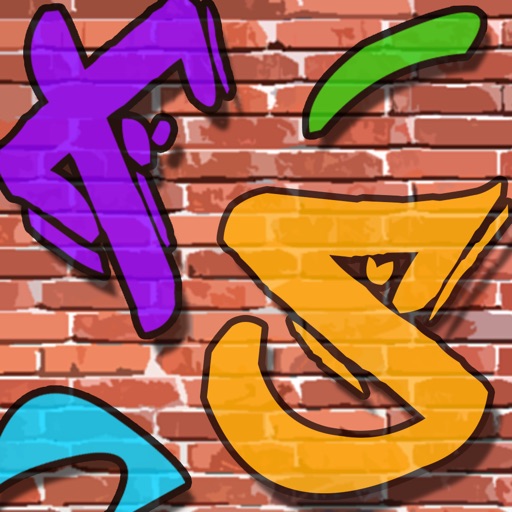
Create graffiti art using realistic cans in various colors and sizes. Choose colors and sizes to paint on a virtual wall. Delete or undo drawings. Share artwork with friends.