Apps Like Comic Art - Cartoon Effects for iPhone and iPad
Create comic and cartoon illustrations easily.
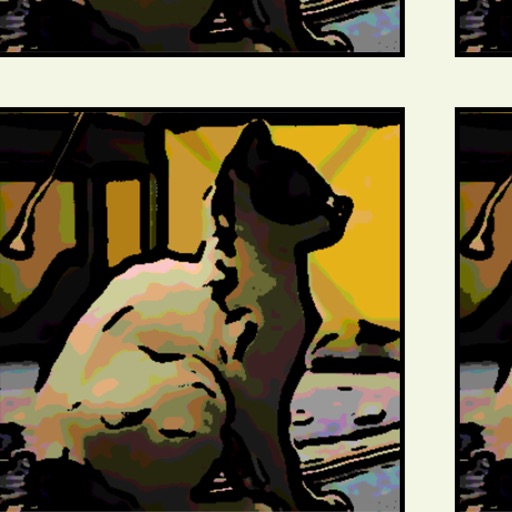
The app allows users to create comic, cartoon, and graphic novel style illustrations from photos and images. Users can adjust shadow, tone, outline, and color settings to achieve desired effects.
by TAIKI HIRATA★ 5.03 ratingsPhoto & VideoFreeData updated 2026-11-11
Transform photos into cartoons, comics, or illustrations using live camera preview and filters. Edit images with adjustment tools and add text. Export high-resolution images. No advertisements.
Create digital artwork with customizable brushes and adjust texture, shape, and paper quality. Import and export images in various formats. Access unlimited brushes and tools for free for 30 hours monthly.
Apply 800+ professional with themes like retro, vintage, and cyberpunk. Customize and use DNG feature for advanced editing. Add blockbusting overlays to enhance photos and videos. Export edited content in various formats.
Edit photos with natural AI beauty effects including eye enlargement, skin smoothing, face slimming, and makeup application. Retouch body features with advanced tools. Adjust lighting and colors for realistic results. Share edited images directly.
Edit photos with skin tone adjustment, blush application, and shine reduction. Enhance eyes, lips, and teeth with tools. Mix colors for custom looks. Export edited images in various formats.
Edit RAW photos with color and tone adjustments. Import and process RAW files from cameras or storage devices. Organize and manage libraries. Capture pro-grade RAW images with manual controls.
Edit RAW images with customizable adjustments. Convert to JPEG format. Save adjustments for future edits. Export images without watermarks after subscription. Share edited photos directly.
Edit photos to convert them into and with adjustable contrast, brightness, and grain. Apply filters and vintage effects. Crop, rotate, and add text overlays. Save and share edited images in various formats.
The app displays and browses image contents in folders or compressed files. It supports numerous compressed formats, PDF files, and offers a bookshelf interface for managing comic books.
Take photos with single-tap effects and professionally designed filters. Adjust brightness and contrast. Apply blur and focus. Rotate and crop images. Export edited photos in various formats.
Edit photos with single-tap effects and professional filters. Adjust brightness and contrast. Apply blur and focus tools. Enhance portraits with specialized filters. Export edited images in various formats.
The app enables users to overlay text onto images or videos. Users can customize text with various font styles, sizes, colors, and outlines, placing it anywhere within the media.
Capture photos with manual exposure and focus controls, RAW and TIFF support, and real-time adjustments. Edit images with advanced tools, apply effects, and export in high-quality formats. Share photos directly from the .
Edit photos with cropping, rotation, and flipping tools. Adjust composition and apply AI-powered enhancements. Retouch images with advanced editing features. Export in multiple formats and share directly.
Convert raster images to editable drawings with custom filters for various styles including grayscale, two-tone, Pop-Art, and polygonal shapes. Edit vectors with advanced tools, adjust colors, and save or share the results.