The app allows users to create and share black and white drawings within a thirty-two by thirty-two square. It offers features like 1-bit drawing, grayscale options, zooming, undo/redo, symmetry modes, and pixel manipulation.
by Chad Sager★ 3.210 ratingsEntertainmentFreeData updated 2026-11-11
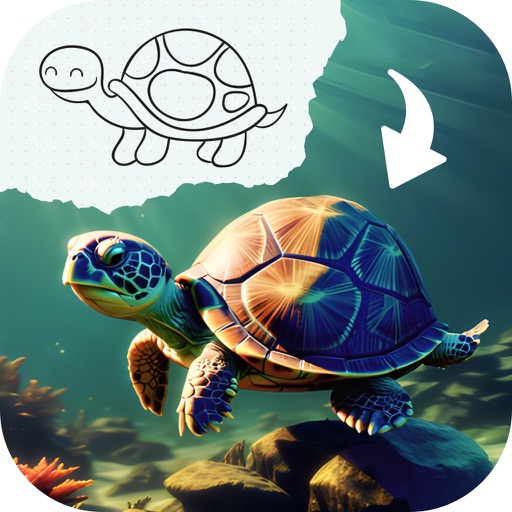
Edit images by detecting and highlighting contours to create pencil-drawing effects. Select photos from the device library or capture new ones. Apply the contour effect and view the resulting image on the screen.
The app allows users to draw storyboards for applications. Users can share their drawings via email or social media platforms like Facebook and Twitter.
Play a timing-based game by tapping when the white bar aligns with a dot. Manage two locks simultaneously to crack codes and unlock them. Avoid incorrect taps to prevent restarting.
The app draws photorealistic images of over 2,400 official tartans and generates new random tartans. Users can create wallpaper for their iPhone using their own clan tartan.
Calculate PPI, aspect ratio, and screen dimensions
Calculate PPI, aspect ratio, and screen dimensions in inches or centimeters. Measure height, width, and area of any screen. Access a list of standard resolutions and common devices to preset data quickly.
The app calculates distances between locations and areas of places. Users can draw paths or lines on the map, switch between measurement modes, and save drawings.
Upload images to color, play connect the dots, and draw by numbers. Draw on photos and save creations. Includes simple tools for children to create and customize artwork.