Control your TV with on-screen buttons for power, volume, and channel navigation. Use the touchpad to navigate menus and select options. Adjust input sources and access smart TV features directly from your iPhone.
Control smart TV with touch gestures and button mappings. Adjust volume, change channels, and navigate menus. Use as a wireless mouse or keyboard for desktop applications. Pair via Bluetooth or Wi-Fi.
Control gate and garage door access remotely via mobile device. Open and close doors from anywhere. Store user preferences for quick access. Integrate with SMART and ULTRA systems for seamless operation. Manage access settings and monitor activity.
TV with a smartphone , offering power management, channel switching, volume adjustment, and source selection. Use a touchpad for navigation and a built-in keyboard for typing. Access smart navigation for enhanced TV .
Play a car simulation with realistic driving mechanics. Control vehicle movement, navigate tight spaces, and complete challenges. Customize cars, unlock new levels, and track progress through practice sessions.
Control Smart TV functions including power, channel changing, volume, and input selection. Navigate menus, adjust settings, and use voice commands. Pair with iPhone for operation without a physical .
Your TV remotely by connecting to the same Wi-Fi network. Scan your network to locate the TV. Browse channels, cast photos and videos, and stream music. Access multiple remotes from one device. Search for and cast favorite music.
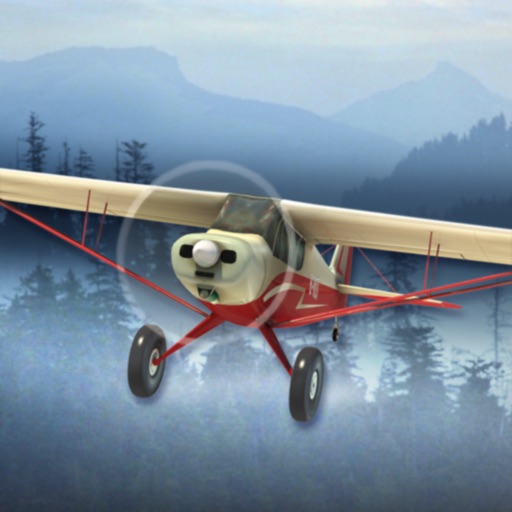
Fly 21 different planes through 8 environments including wilderness, backwoods, and rough terrain. Practice landings on snow-capped mountains, ice lakes, glaciers, aircraft carriers, and cruise ships.
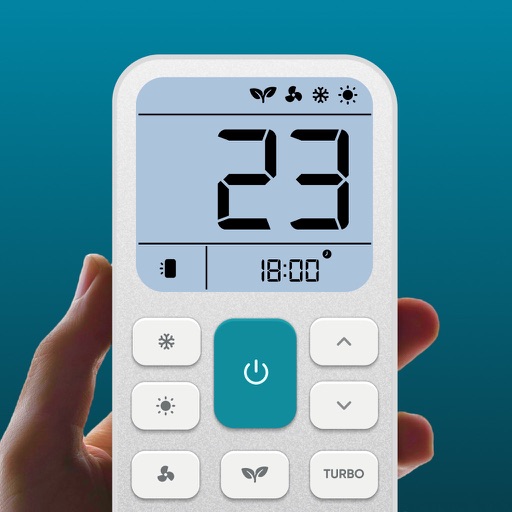
Control air settings from a smartphone. Adjust temperature, switch modes, set timers, and change fan speed. Connect to multiple AC units. Compatible with various brands. Manage cooling or heating remotely. View and adjust schedules.
Control and monitor JDownloader downloads remotely. View download status, start, pause, or stop downloads. Check progress and adjust priorities. Receive push notifications for updates.
The app provides remote control for grandMA consoles, allowing users to manage moving lights, conventional lights, effects, LEDs, and video. It offers real-time feedback on intensities and positions through bi-directional communication.
Control devices via Bluetooth connection. Customize preferred settings and adjust intensity levels. Add friends to share experiences. Manage device functions through the interface.
Adjust brightness and change colors for connected LED devices. Set dynamic lighting modes and schedule lighting effects. Control multiple devices simultaneously and adjust settings in real-time.