The app provides keyboard access to hundreds of math and scientific characters. Users can type symbols for numbers, trigonometry, algebra, and alphabets within any application.
by Daniel Soffer★ 3.430 ratingsUtilities$0.99Data updated 2026-11-11
Type in English to generate words using transliteration. Access word predictions for both and English. Switch between languages with a dedicated key. Use an emoji button after pressing 123. Enable the in settings and activate it for use.
The app provides a keyboard for typing Twi, Fante, Ewe, and Ga with proper alphabet and vowel accents. Users can select keyboard themes, use custom photos as themes, and translate English to Twi using the built-in dictionary.
Type with customizable fonts and vibrant themes. Switch between keyboards instantly. Adjust layout and appearance for personalized typing experience. Add stickers and emojis for expressive communication. Share settings across devices.
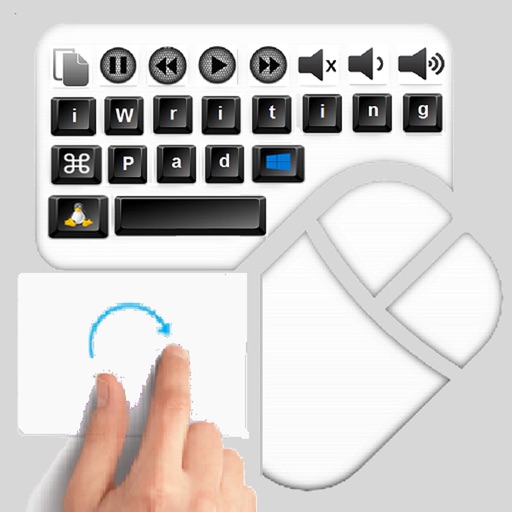
The app provides an iPad user experience on computers. It allows users to control PCs using touch gestures as a remote mouse and handwriting recognition keyboard.
Type in with a customizable layout. Translate text between and English. Speak translated text aloud. Copy and paste text across apps. Switch between and English input modes.
Type messages, emails, and stories in language with customizable themes. Set personal background images from gallery or camera. Access a variety of emoji and adjust custom settings for appearance.
The app calculates math expressions with 250 digits. It offers currency and measurement unit conversion, along with percentage calculations and equation solving.
Use AI to translate, rephrase, summarize, define words, and correct grammar. Type with an AI-powered . Get instant answers to questions. Practice language skills with interactive features.
Type words using an English through . Input pronunciation in English to get instant text. Accepts multiple input spellings for accurate results. No need for separate layouts.
Add colors to your for a glowing effect. Choose from a wide range of colors. Customize key round corners. Adjust key positions to match the original layout. No full access required.
Solve math problems by taking a picture or uploading an image. View correct answers instantly. Access detailed step-by-step solutions. Track progress and review explanations for better understanding.
The app calculates expressions using numbers, parentheses, and operators. Users can store formulas and use variables to change values without editing the expression.