Adjust exposure, focus, and white balance manually. Capture images in RAW DNG format. Save photos to roll. Access advanced controls for precise adjustments. Replace automatic settings with custom configurations.
by William Wilkinson★ 4.2278 ratingsPhoto & Video$3.99Data updated 2026-10-16
For photographers without a built-in . Take readings from camera preview. Adjust measurement area by zooming. Switch between multiple rear cameras. Tap points of interest for precise exposure settings.
Capture photos with anti-shake, HDR, and night scene noise reduction. Focus and shoot with ease. Edit raw images with adjustable settings. Share directly from the .
Capture lightning strikes in real-time using iPhone or iPad. Adjust ISO settings manually or use full auto mode. Switch between day and night modes automatically. Preview and save high-quality photos directly. Share images via social media or email.
Create and organize photos into purpose-specific albums for different projects or tasks. Add detailed notes and tags to each photo. Export and share images directly. Sync across devices for consistent access.
Capture and organize rolls by logging metadata such as frame number, focal length, and shutter speed. Embed metadata into scans. Sync with macOS companion for streamlined documentation and management of photography details.
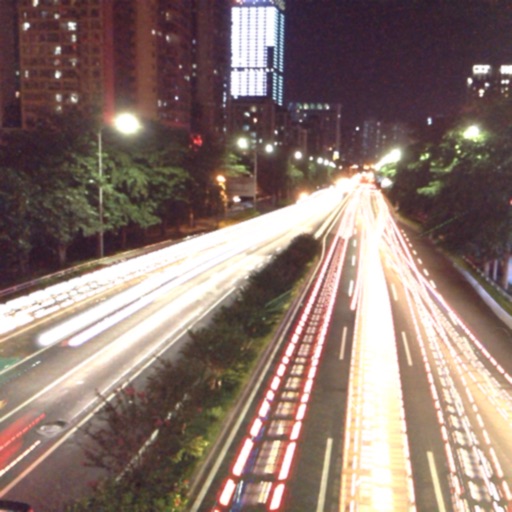
The app captures photos using slow shutter speed effects to create light trails and streams. Users can control exposure time and focus for motion blur photography.
Capture photos with over exposure, ISO, and focus. Choose from lock, auto, or auto continuous focus modes. Use a TTS voice countdown timer for stable shots. Select flash options. Automatically save photos to the roll.
Allows manual camera control with focus, exposure, and white balance adjustments. Record 4K video with frame rate customization. Access advanced settings for manual filming. Export videos in various formats.
Edit and enhance grayscale photos with 20 predefined presets and custom adjustments. Apply vignette effects and modify color channels. Save personalized presets. View and share monochrome images directly.
Control smartphone camera settings including White Balance, Exposure duration, and ISO. Adjust zoom in/out. Enable object tracking. Sync with gimbals via Bluetooth. Customize UI design. Manage gimbal settings for action cameras and DSLR.
View and edit and video metadata including location, date, camera info, and file size. Modify location details, captions, and copyright. Bulk edit multiple photos. Share metadata with other apps. Open locations in maps services.