The app provides two audio playback decks with features for stage performances. Users can manage tracks, edit cue points, and utilize functions like Auto Pause and Repeat.
by INTEGRAL SOUND DESIGN★ 0.00 ratingsMusicFreeData updated 2026-11-10
Play , Snooker, and 9 games with realistic physics and 3D graphics. Challenge friends in multiplayer matches. Customize avatars and tables. Track progress and compete in ranked leagues.
Edit audio files with waveform visualization. Change playback and pitch independently. Record and save modified audio. Separate stems to isolate vocals, guitars, or drums. Create backing tracks or practice isolated instruments.
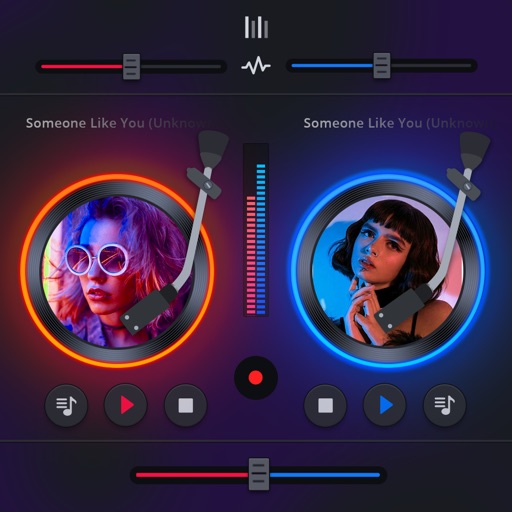
Manage playback with a 3D DJ interface featuring turntables and a 3-band EQ . Access a library to organize files and create custom mixes. Adjust volume and effects in real time during playback. Sync with external devices for live mixing.
Play audio and sound effects simultaneously. Start shows with a single press. Supports iPad, iPhone, and iPod touch. Free for one show; purchase for unlimited shows. Used for theater, dance recitals, weddings, and church services.
The app provides a quick and easy way to create beats using inbuilt or imported sounds. Its pattern editor sequencer allows for simple drag-and-drop rhythm tweaking.
Create music by mixing vocals, bass, and instruments with drums. Apply professional effects and use loops to build mixes. Record music sessions and share creations.
The app offers playback controls, including giant buttons and stop-and-go mode. It supports crossfading, playlist editing, and dark mode for audio files and iCloud songs.
Record with multitrack support, add and edit files across tracks. Record voice and instruments in high quality without limits. Use basic editing tools to cut, copy, and paste . Save files in various formats.
Search for nearby venues. Vote on songs in real time. View song lyrics and artist information. Control music playback with touch gestures. Display dynamic signage and promotions. Integrate with venue systems for automated drink and food sales.
Create and edit music with audio tracks that allow real-time time warping, pitch shifting, and rearranging. Add vocal tracks and integrate with Audio Units. Design beats using a sleek interface with advanced sampling and beat-making tools.
Play with gapless playback, crossfade, shuffle, and repeat options. Manage a personal library with sorting and tagging. Support high-resolution audio files up to 96kHz/24-bit via USB.
Play music, customize playlists, and control playback
Play music files in multiple formats including , APE, and MP3. Customize 3D and normal sound effects. Queue and manage sound effects. View and control lyrics. Share custom sound effects. Control playback with a customizable interface.
The app offers playback controls, crossfade, and playlist management. It supports user audio files and iCloud songs, with limitations in the free version.
Boost audio and enhance sound quality with adjustable settings. Customize equalizer presets. Enhance music, podcasts, and videos. Control levels and manage audio output settings.