Create collages using photos from Camera Roll, Photo Stream, or Dropbox. Choose from pre-designed templates and artwork. Edit images with cropping, filters, and adjustments. Export and print finished layouts for physical display.
by Becky Higgins, LLC★ 4.4495 ratingsPhoto & VideoFreeData updated 2026-09-09
The app allows users to create custom NFT designs, flyers, invitations, logos, and more. It offers hundreds of templates, thousands of fonts, and editing tools for graphic creation.
Create collages by selecting layouts, adding photos, and personalizing with frames or templates. Arrange images in grids, freestyle, or pre-designed templates. Share directly to social media or messaging apps.
Scan documents using smartphone camera. Automatically or manually capture pages. Crop edges and combine multiple pages into one PDF or PNG. Edit, sign, and share files online. Supports rebate forms, tax documents, business cards, photos, and books.
Take notes, bullet journal, and annotate documents with pen gestures. Capture images and text from textbooks. Edit and organize study notes. Sync across Apple devices. Export notes in multiple formats.
Turn photos into customizable pages with AI-generated artwork. Select from themed templates like Barbie or Minecraft. Print and color offline. Share creations with family.
Manage files by viewing, storing, and printing documents, emails, PDFs, photos, and web pages. Transfer files between devices. Print to all printers, including non-AirPrint models. Convert documents and images to PDF.
Decorate photos HD quality . Select images from gallery or camera. Apply preferred and save or share via social media. Set as wallpaper. Save to SD card. Rotate and zoom images touch gestures. Edit photos before applying .
View and manage PDFs, , and videos in Picture in Picture mode. Navigate pages with 15-second jump buttons. Play photo slideshows or videos in PiP. Set a timer in PiP mode. No ads.
Customize with adjustable size, , and shape. Upload personal photos from Camera Roll to personalize designs. Access unique, proprietary widget for iOS 14.
Create tasks for any date and organize schedules. Track completed and overdue items. Set multiple reminders and mark tasks as done. Manage work, personal, and routine activities without clutter.
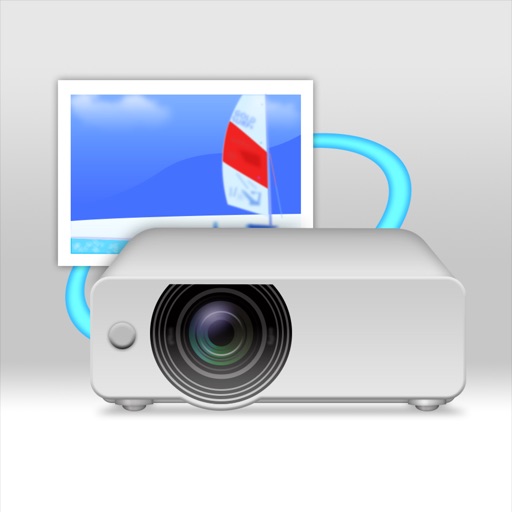
The app enables wireless projection of PDF, PowerPoint, and image files from an iPad, iPhone, or iPod touch to Panasonic wireless compatible projectors and displays via Wi-Fi. Users can also project websites using the built-in web browser.