Edit photos with background erasing and replacement. Remove backgrounds automatically or manually using AI. Replace backgrounds with custom images, colors, gradients, or textures. Adjust and enhance images with precise editing tools.
Edit photos with New and Christmas frames. Add text, stickers, and effects. Share edited photos directly to social media or messaging apps. Adjust brightness, contrast, and saturation for enhanced visuals. Export in various image formats.
Edit photos with HDR effects, filters, and detailed adjustments. Enhance images with powerful lighting and contrast tools. Save and share edited photos in various formats.
Edit photos by applying filters and adding eye effects. Choose from multiple eye styles and import images from the camera roll. Share edited photos on social media platforms like WhatsApp, Facebook, and Twitter.
Multiple images simultaneously with customizable pixel dimensions. Choose from four modes including fixed width, fixed height, maximum pixel, aspect fill, or aspect fit. Export resized images in selected formats.
And videos with precise control. Adjust orientation manually or automatically. Apply effects horizontally or vertically. Export edited videos in multiple formats and share directly.
Create collages with customizable blur backgrounds and adjustable layouts. Apply filters like black and white, vintage, and retro to enhance images. Edit photos by resizing, cropping, or deleting elements.
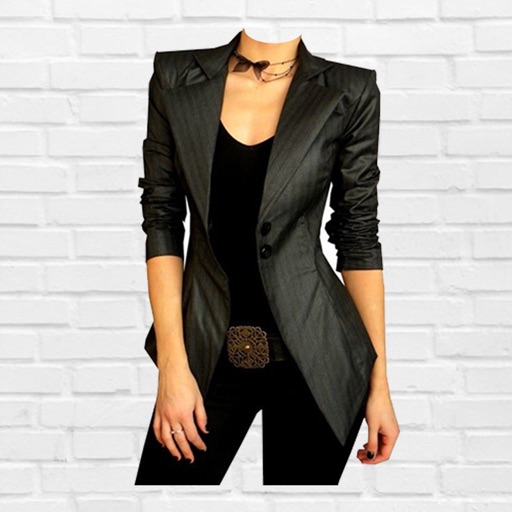
Edit photos by importing from camera or gallery. Add glasses, mustaches, beards, hats, and bowties. Resize, rotate, adjust transparency and color. Erase parts of accessories for a custom look. Share edited photos directly.
Edit photos by flipping, rotating, cropping, and applying filters. Use AI to suggest optimal filters. Flip images live during camera use. Batch edit multiple photos and save directly to the library.
The app joins photos vertically, horizontally, or in 2D by blending or abutting them. Users can edit individual photos or the blend output in the image editor, supporting up to 16 photos.
The app functions as a magnifying glass using the device's camera to display a magnified image. Users can adjust the zoom factor up to x4 and utilize the camera flash as a flashlight for improved visibility.
View full-screen gobo designs from a library of 2000+ metal and glass patterns. Search by name, number, category, or keywords. Compare up to four gobos simultaneously. Rotate images at variable speeds.