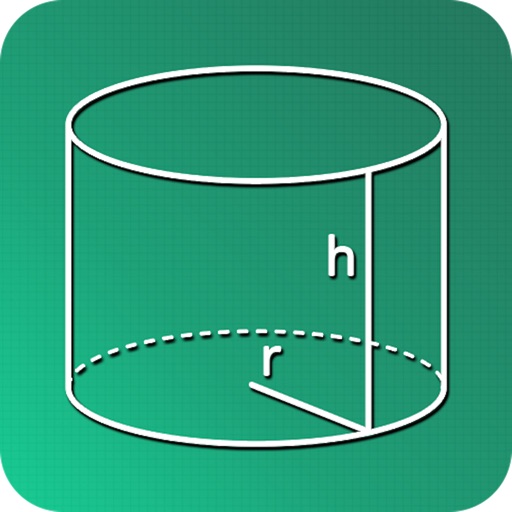
The app provides interactive learning for 2D and 3D shapes. It offers automatic calculations for area, perimeter, and volume with clear visuals and an intuitive interface.
by Zbigniew Osada★ 4.668 ratingsEducationFreeData updated 2026-11-10
Customize appearance with themes, button shapes, and colors. Choose from six layouts and control all visual elements. View input and result simultaneously on dual-line display. Adjust settings for precise calculations.
Scan problems from textbooks, screens, or handwritten notes. Get instant step-by-step solutions and explanations. Solve complex word and geometry problems. Access solutions anytime for continuous learning support.
Teaches - math, language, science, STEM, reading, and critical thinking through 21 educational . Includes curriculum-based lessons and interactive activities for children aged 7-10.
The app offers a modern calculator with extensive customization options. Users can create custom themes, choose button shapes, and adjust visual elements.
Perform complex calculations with scientific functions, trigonometry, and unit conversions. Customize themes, adjust display settings, and save frequently used formulas. Export results and share calculations directly.
Practice skills through interactive tailored by level. Complete activities to earn rewards and track progress. Access aligned curriculum standards and view performance reports. Share achievements with parents and teachers.
A with customizable themes allows users to select from multiple visual styles. Perform basic and advanced calculations. Switch between light and dark modes. Adjust font size and color schemes.
The app offers two modes: portrait for basic calculations and landscape for scientific functions. Users can track entries with multiple tapes and use memory slots for complex calculations.
Create notes and documents by hand with AI-powered recognition. Draw, sketch, and annotate PDFs on an expandable canvas. Convert to text and create diagrams with intuitive gestures. Organize content with layers and embed images.
Calculate measurements and perform unit conversions for projects. Perform trigonometric calculations and angle measurements. Access a full user guide and use built-in formulas for precise calculations.