Edit photos with auto enhance, wrinkle removal, skin smoothing, and blemish removal. Whitening teeth and removing red eye. Adjust color, sharpness, and apply color splash. Add background music and record voiceovers.
by Lylavie LLC★ 4.5733 ratingsPhoto & VideoFreeData updated 2026-09-09
Edit photos by removing objects, people, blemishes, and watermarks using AI-powered tools. Erase unwanted elements with simple taps and swipes. Retouch imions and eliminate logos, signs, and distractions from images.
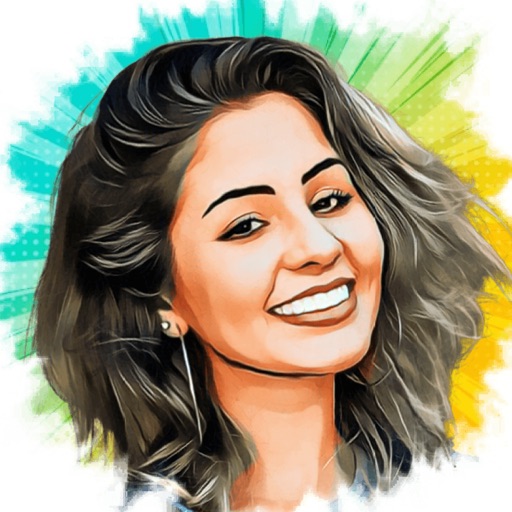
Turn photos into cartoons with AI-powered filters. Add toon backgrounds and layouts. Edit self-portraits with effects. Share edited images on social media platforms. Apply digital art filters and create anime-style avatars.
Edit and enhance grayscale photos with 20 predefined presets and custom adjustments. Apply vignette effects and modify color channels. Save personalized presets. View and share monochrome images directly.
Edit photos with AI-powered retouching, facial enhancements, and background blur. Adjust lighting, color, and composition. Export in high-resolution formats and share directly.
Backgrounds with a single touch. Replace backgrounds with any image. Apply blur to create a depth effect. Adjust clarity for better visibility. Export edited images directly.
Enhance low-quality photos with AI-powered upscaling and detail refinement. Adjust brightness, contrast, and color. Apply cartoon effects and convert portraits to HD selfies. Save and share improved images directly.
Edit photos using 200+ professional and filters. Adjust exposure, contrast, and color balance. Crop and rotate images. Add text and borders. Export in various formats and share directly.
Objects, people, or blemishes from photos. Edit backgrounds and save as PNG or JPG. Crop images, add text, filters, logos, or watermarks. Use one-click background removal and clipping tools.
Take photos and videos with adjustable settings. Apply free filters and themed stickers. Enhance skin tone, smooth features, and adjust facial elements like eyes and lips. Save and share edited content directly.
Edit videos by trimming, rotating, scaling, and flipping clips. Select frames and overlays to enhance visuals. Export full-size videos for Instagram and other platforms. Adjust orientation to match social media requirements.
The app allows users to change picture backgrounds for photo makeovers. Users can add text with adjustable font, color, and transparency, and choose from over 65 backgrounds.