The app transforms photos into polygonal art with real-time low-poly camera capture. It offers multiple shape and resolution options, edge detection, custom mesh editing, and high-resolution export.
by Daniel Eke★ 4.56 ratingsPhoto & VideoFreeData updated 2026-11-10
Create animations using 3D blocks in a 20x20 grid. Design up to 6 frames for short loops. Save and share animations. Practice character design for Minecraft skins or create retro game sprites.
Draw and color characters directly on the screen or with a pencil on paper. Access a public gallery to share art. Follow step-by-step drawing guides. Color pages with solid or gradient colors. Color pixel art by numbers.
Watch short-form pixel art transformation videos. Share via Facebook Messenger, WhatsApp, Instagram, Pinterest, Snapchat, email, or Twitter. Collect favorite in a dedicated section. No ads, violence, or harmful content.
The app allows users to draw sound spectra and play them simultaneously. It offers WAV export, eight timbres, and adjustable octaves from two to eight.
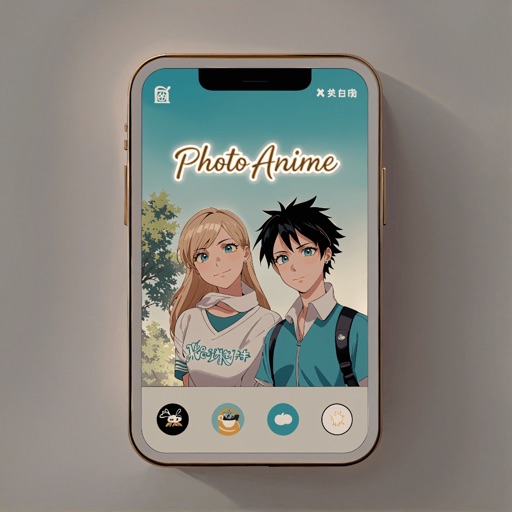
Convert to anime-style artwork using 10+ available styles. Customize transformations with prompts. Save creations to the gallery. Share transformed images directly.
The app compresses videos recorded by the Camera app. It supports 720p, VGA, and low resolution compression, and includes video trimming functionality.
The app allows users to create pixel art characters or landscapes using their fingers. It includes a color history feature to store four colors per work and a gallery to manage created art.