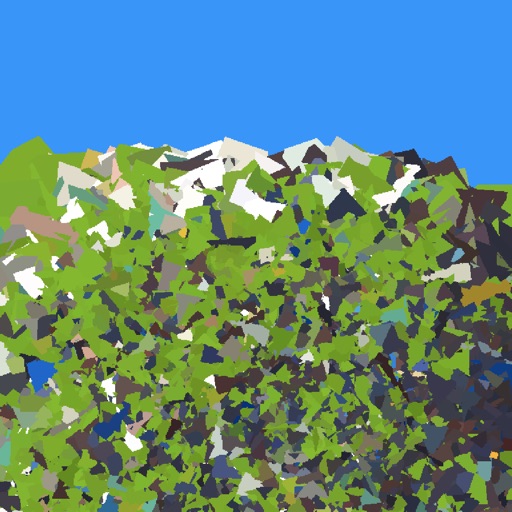
The app transforms photos into polygonal art with real-time low-poly camera capture. It offers multiple shape and resolution options, edge detection, custom mesh editing, and high-resolution export.
by Daniel Eke★ 4.56 ratingsPhoto & VideoFreeData updated 2026-11-10
AI Art lets users create digital artwork using AI. Input text or sketches to generate art. Choose from various styles and color schemes. Adjust details to refine the output. Save and share the final artwork.
Edit photos with AI-powered enhancement, unblurring, and sharpening. Remove objects and restore old images. Convert photos to pixelated or HD formats. Create AI-generated cartoons. Share edited images directly.
The app reinterprets photographic data by allowing users to select presets or set custom parameters. Users can provide a photo to the app to generate art.
Convert text into images using AI. Enhance photos with AI elements. Increase resolution for detailed visuals. Position images with precise control. Edit and refine AI-generated art. Export final designs in various formats.
Create pixel art using a grid-based drawing interface. Draw with customizable colors and brush sizes. Share artwork directly to social media or the in- community. View and comment on other users' pixel art.
Transform photos into cartoons, comics, or illustrations using live camera preview and filters. Edit images with adjustment tools and add text. Export high-resolution images. No advertisements.
Ride horses through polygonal environments with multiple levels. Jump over peaks, avoid nails, and manage hammer presses. Share scores and achievements with friends. Features realistic horse animations and river-based challenges.
Stylize photos using over 500 AI art styles from various movements. Edit and retouch images with professional tools. Work offline with on-device AI models. Keep data private with no cloud storage. Export edited images in multiple formats.
Color and relax with art pages and custom photos. Use paint bucket and tooltip tools for efficient coloring. Share time-lapse creations with friends. View a wide variety of images to color. Import personal photos from camera or library.
Enhance quality by unblurring, restoring clarity, and fixing low-resolution images. Create AI-generated avatars from selfies. Apply artistic filters and adjust colors. Export edited photos in various formats and share directly.
Capture photos using a 1-bit camera with only black and white pixels. Choose from three pixel resolutions and an 8-color mode. Features chunky buttons, mechanical sounds, and clean PNG output for printing or further use.
Turns mobile device into a virtual and microphone for Windows software via wireless or USB. Capture video for online meetings and streaming. Lite edition offers 640x480 resolution without audio.