The app connects a mobile device to Vectorworks desktop software via a remote connection plug-in. It provides presentation, visualization, and navigation remotes for viewing, navigating, and presenting designs remotely.
by Vectorworks, Inc.★ 5.02 ratingsProductivityFreeData updated 2026-11-09
TV with a touchpad for navigating menus and launching channels. Automatically detects Smart TV on the same Wi-Fi network. Simplifies with a clean interface and direct channel access.
Control your Mac or PC with an iPhone, , or iPod. Use simulated touchpad and keyboard functions. Access panels for media playback, file transfers, and presentation controls. Perform actions like dragging, clicking, and scrolling.
The app connects to Ricoh GR II, GR III, and GR IIIx cameras via WiFi. Users can download photos in JPG, RAW, or MOV formats, assign geo-location info, and remotely control camera functions.
Television functions, launch apps, and navigate menus from an iPhone. Connect to the same WiFi network for instant pairing. Discover and pair with compatible TVs automatically without additional hardware.
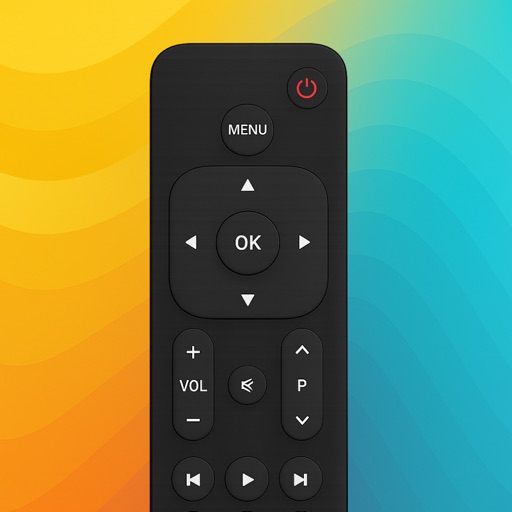
Replace your physical with a smartphone for TV or Stick. Control playback, adjust volume, and navigate menus. Connect directly to your device for simple, intuitive functionality.
Control devices, connect smartly, share access, track
Remote control of home devices for automation. Connect devices quickly for fast performance. Share access to multiple users for family use. Monitor device status in real time. Browse and purchase smart home products online.
Control smart TVs with buttons for power, volume, and channel navigation. Adjust input sources and use screen mirroring to cast content. Access features for multiple TV brands.