Customize Home and Locked Screen with HD Retina images. Edit professionally. Share creations with community, save favorites, and follow friends. Receive daily wallpaper updates.
Edit photos by removing blur, correcting lighting, colorizing, and sharpening images. Compare before and after versions. Save and share enhanced photos directly.
Create pixelated photos with customizable frames. Apply blur and black-and-white effects. Adjust touch controls for creative effects. Choose from available frames or customize your own. Export and share the final image.
Blur faces automatically using facial recognition. Add blur, solid color, or emoji to hide faces. Resize and reshape blur regions. Adjust color and effects. Share edited images to photo library and other apps.
Buy, sell, and rent items across multiple categories. Browse listings, contact sellers, and complete transactions. Access customer support for assistance at any time.
Edit photos and videos by automatically recognizing and processing backgrounds. Choose from four recognition methods including transparency, blur, and replacement. Process only the subject or apply effects like fluffy, mosaic, monochrome, or sepia.
Filters, adjustments, and effects. Apply blur, focus, and rotation. Add stickers, text, and on images. Crop, resize, and enhance . Remove blemishes and whiten smiles. Save or share edited images.
Edit photos by blurring backgrounds, faces, or specific subjects. Apply various effects and filters. Save edited images to the camera roll or share them directly.
Combine multiple photos into a single image. Create mosaics by arranging images horizontally or vertically. Apply blur effects to individual images. up to 50 or more photos in a single layout. Share the final composition directly.
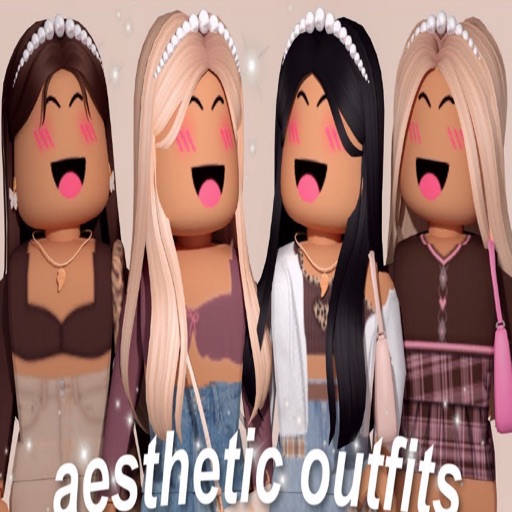
Provide ideas and wallpapers for a game. Click outfits to copy, share, or download codes. Save codes in text files. No in- purchases. Share codes with friends for use on iOS devices.
Create digital paintings using layers, masks, and clipping. Apply smudge and blur tools for texture. Draw shapes and use pure colors. Erase parts of artwork. Save and share completed pieces.