The app allows users to design and simulate digital circuits with a focus on graphical visualization. Users can wire elements, observe current flow during simulation, and create custom integrated circuits for complex designs.
by Karl-Heinz Loch★ 4.52 ratingsEducation$1.99Data updated 2026-11-09
Design circuits, simulate projects, and analyze data
Learn electronics concepts through interactive lessons and diagrams. Simulate circuits and test components. Calculate resistor values and voltage drops. Access formulas and reference tables. Export project designs and share results.
Build and simulate 3D electrical circuits with real-time voltage and current calculations. Drag and drop components to create custom circuits. Analyze results instantly with detailed visual feedback. Export schematics and share designs.
Simulate circuits using components like AND, OR, NOT gates, flip-flops, and multiplexers. Build and test circuits with drag-and-drop components. View output through monitors and adjust inputs manually. Save and share designs.
Track and organize shift schedules, training days, holidays, and on-call periods. Log completed shifts, record working hours and locations, and calculate pay. View upcoming events and manage work-life balance.
Simulate hard drive failures to understand loss scenarios. Explore virtual hard drive components and failure processes. Learn about methods through interactive visuals.
Solve math problems by adding, subtracting, converting, and reversing numbers. Manipulate values through portals. Use an LCD display for complex equations. Interact with a snarky assistant for guidance. Adjust button sensitivity for precise input.
Design and simulate electronic circuits with components like resistors, capacitors, and transistors. View voltage, current, and signal data in real time. Use oscilloscopes and multimeters for measurement. Adjust and test circuits dynamically.
Access code updates for 2023 NEC and NEMA standards. View table changes, formulas, and conduit bending guides with video tutorials. Calculate ampacity and conduit fill. Include transformer data and wiring configurations.
Design and test electronics projects in a virtual workspace. Simulate circuits using over 150 components and 1,000 reference boards. Adjust 3D models and view physics-based interactions. Export project data and share designs.
Design logos and icons quickly with customizable templates and color options. Choose from a gallery of pre-designed elements. Adjust styles, add text, and export in various formats.
Calculate values using resistor color codes, voltage, current, and resistance formulas. Perform impedance and RLC circuit analysis. Input values to get accurate results for engineering, wiring, and circuit design tasks.
Explore aircraft systems with interactive diagrams
Learn about aircraft systems and limitations through organized chapters based on the POH. Explore interactive diagrams to tap on components and see system changes.
Create circuits using logic gates and basic building blocks. Wire components on a flexible plane. Simulate real-time behavior. Learn fundamental concepts of engineering and computer science.
The app allows users to build and simulate electronic circuits with dynamic animations of voltage, current, and charge. Users can adjust circuit parameters in real time and generate input signals with their finger.
Edit schematics, calculate values, and test circuits
Manage components with a database of resistors, capacitors, and diodes. Calculate circuit values using Ohm’s Law and power formulas. Access schematics, datasheets, and component symbols. Convert units and view component ratings.
Turns iPad or iPhone into a second for Mac via USB. Browse documents or watch videos with low latency. Use pinch-to-zoom on Mac. Enable Split View for multitasking. Supports touch gestures for enhanced control.
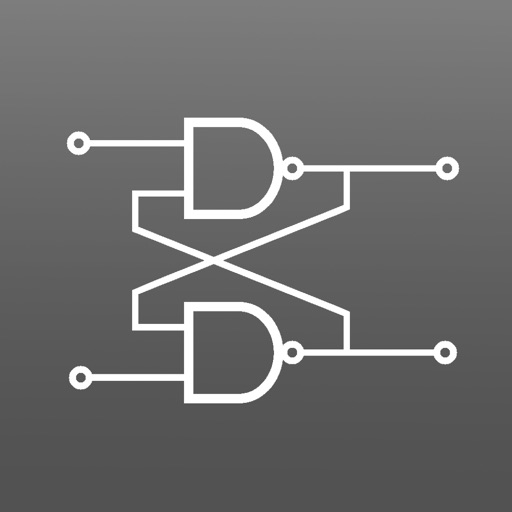
The app simulates combinatorial and sequential digital circuits. Users can study circuit behavior through single-step or step-by-step simulations, with dynamic simulation for clock inputs and a timing chart.