Apps Like Pattern Shapes, by MLC for iPhone and iPad
Explore geometry and fractions with shapes.
The app allows students to explore geometry and fractions by creating designs or filling outlines with shapes. It provides tools for measuring angles, duplicating shapes, and annotating work to demonstrate understanding.
by The Math Learning Center★ 4.218 ratingsEducationFreeData updated 2026-11-09
Teach preschoolers letters, numbers, and shapes through interactive . Features include letter tracing, drag-and-drop activities, object matching, phonics exercises, and spelling challenges.
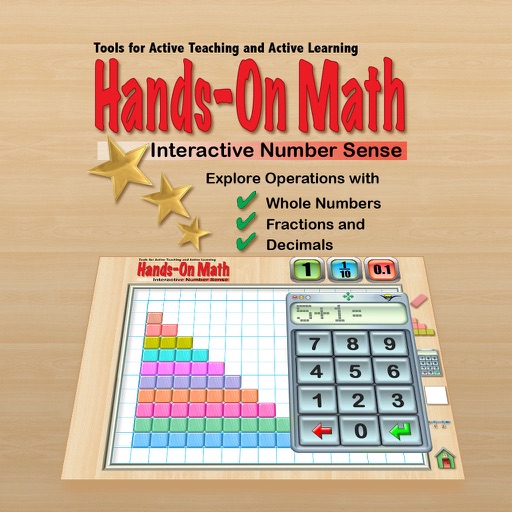
The app provides a virtual playground for students to explore mathematical concepts using colored number bars. Students can order, compare, add, subtract, multiply, and divide whole numbers, fractions, and decimals.
Learn with interactive covering numbers, addition, subtraction, fractions, decimals, coin , geometry, time, multiplication, and division. Practice with a curriculum-aligned interface that includes visual aids like polygons and clocks.
Teaches color, size, and shape recognition through interactive sorting games. Helps preschoolers compare items and identify similarities and differences. Includes animated visuals and sound effects to enhance learning.
Students receive daily tasks ranging from 15 to 20. The identifies knowledge gaps and personalizes training based on performance. Each task includes explanations through lectures and examples.
Create diagrams and flowcharts using shapes like rectangles, circles, and arrows. Draw freehand or use geometric figures. Collaborate in real-time on an infinite canvas. Export diagrams in multiple formats.
This app offers an interactive environment for learning mathematical concepts like set theory, geometry, and logic. Students solve problems using mathematical thinking skills and interactive challenges relevant to the elementary curriculum.
The app records player strokes in HD and allows comparison to reference strokes. It provides tools for analysis, including drawing, measuring, and voiceovers, with options to save and share findings.
Create and manipulate geometric shapes such as points, lines, angles, and conic sections. Adjust properties and calculate metrics. Display shapes on a zoomable coordinate system. Construct medians, altitudes, and bisectors.
The app provides a resource for practicing and improving rhythm guitar skills. Users can practice strumming complex rhythm patterns and find grooves for songs.
Explore 3D shapes by selecting from various options. Create combinations with colorful shapes and adjust them with a single tap. Rotate and zoom creations using touch gestures.
With interactive lessons for building skills. Features include problem-solving exercises, reward system with stars for repeated practice, and visual aids like numbers and shapes. Includes animal sounds and music to enhance engagement.