Study lower extremity anatomy with high-resolution diagrams and interactive features. Hide or show text on diagrams for self-study. Access quick links to related views. Take quizzes to test knowledge and reinforce learning.
by Jesse Borys★ 4.819 ratingsMedicalFreeData updated 2026-09-09
Convert audio recordings, PDFs, and YouTube videos into notes, flashcards, quizzes, and podcasts. Chat with notes to extract insights. Include tables, emojis, diagrams, and equations. Sync notes across the and website.
Access detailed human anatomy images for study and reference. Explore over 26,000 medical images with interactive 3D views. Search for specific anatomical structures. Annotate and bookmark images for later review.
Test knowledge with and quizzes. Answer questions on four separate topics with randomized questions. Review rotating content to improve understanding. Prepare for classes or last-minute cram sessions.
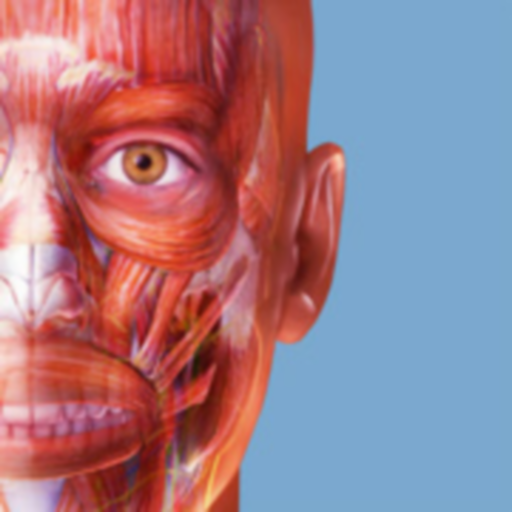
Explore 3D models of human bones and skeletal muscles. Tap to view detailed descriptions of each body part and its function. Learn about anatomy for medical students, professionals, fitness trainers, and anatomy enthusiasts.
Quizzes allows users to study through multiple-choice quizzes. Topics include head and neck, back and spinal cord, thorax, abdomen, pelvis and perineum, upper limb, and lower limb.
Prepare for the ATI with practice questions, study guides, and an simulator. Track progress with adaptive questions that adjust to performance. Create personalized learning plans. Set goals and review weak areas.
Access detailed anatomical illustrations with clinical context. View 3D models and cross-sectional views. Annotate images and save notes. Share content with patients or colleagues. Unlock full features via in- purchase.
Create and study custom diagrams. Import images or use the camera to capture diagrams. Conceal terms by drawing over them and tap to reveal. Zoom and pan for detailed viewing. Sync across iPhone, iPad, and Mac.
Learn about through interactive quizzes covering definitions, history, and divisions. Explore anatomical positions, planes, and directional terms. Study cells and tissues with structured lessons.
Explore detailed 3D models of muscles and bones. Rotate, zoom, and view internal and external structures. Label anatomical features and save custom views. Share annotated diagrams with colleagues or patients.
Learn anatomical structures through interactive modes. Choose It mode highlights structures for identification with multiple-choice questions. Touch It mode requires locating and touching specific structures on anatomical images.
Learn and apply orthopaedic manipulative therapy techniques for the . Access detailed descriptions of hip, knee, foot, and ankle manipulations. Review evidence-based practices for treating musculoskeletal disorders.
Prepare for the CST by studying anatomy, surgical instruments, and sterile techniques. Practice instrument identification and proper handling. Take quizzes and review detailed diagrams to reinforce knowledge.
Learn terms and abbreviations through trivia quizzes. Test knowledge with anatomy and physiology questions. Track progress and review answers for better retention. Share scores with friends.
Access references, anatomical diagrams, and clinical calculators. View imaging examples and use decision support tools. Calculate dosages and interpret findings. Share notes and images with colleagues.
Prepare for exams with practice questions covering RN and PN nursing topics. Customize the number of questions per session. Retake tests with randomized questions to reinforce learning. Review detailed explanations for each answer.
Study for the State Board of with access to thousands of practice questions and detailed explanations. Review topics including Anatomy & Physiology, Bones, Muscles, and more. Track progress and prepare for chapters effectively.