Turn photos into cartoons with one click. Apply painting effects or filters. Add stickers from categories like Doodles, Clothes, and Animals. Include text, remove backgrounds, and share edited images.
Apply pre-designed to images. Add text and decorations. Share edited photos directly. Celebrate Day with themed visuals. Edit and enhance photos with filters and effects. Save and export modified images.
AI-powered editing transforms photos into cartoon art, watercolor paintings, or other creative styles. Users can apply filters, adjust colors, and add effects. Export edited images in various formats and share directly.
Apply photo filters to create horror-themed images. Edit photos with cropping, adjustments, and effects. Add text and stickers for a creepy atmosphere. Export and share edited photos in various formats.
Edit photos by adding Christmas , stickers, and filters. Apply text with custom fonts and colors. Create greeting cards and save edits in high quality. Share photos directly on WhatsApp.
The app allows users to add typography, filters, frames, shapes, and stickers to photos. It includes tools to adjust sharpness, brightness, saturation, contrast, RGB, hue, and exposure.
Edit photos with typography, stickers, and artwork. Apply filters and effects. Add overlays, masks, and drawing tools. Create collages and share to social networks. Includes textures, borders, and patterns.
Add to photos with machine learning. Choose from Bokeh, Box, Motion, Crystallize, or Pixelate styles. Adjust intensity with a slider. Apply to single or multiple images.
Edit photos with real-time cartoon effects and aging filters. Apply artistic effects with one tap. Add text, stickers, and adjust colors. Export edited images in multiple formats and share directly.
Edit photos with filters, beauty tools, and artistic effects. Adjust skin tone, eyes, and lighting. Add stickers, text, and frames. Export in multiple formats and share directly. Sync with mobile edition for consistent editing experience.
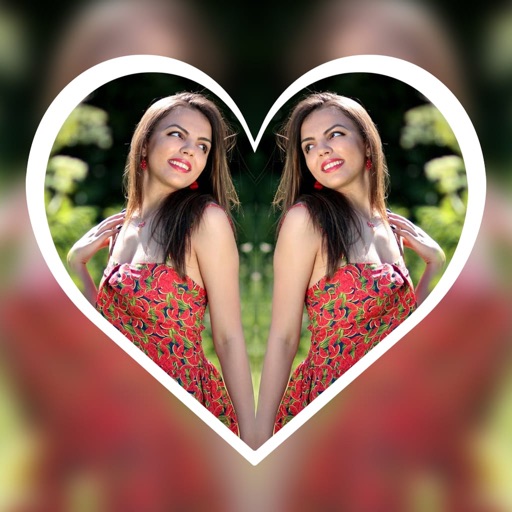
Create reflection effects with left-right, up-down, or repeat options. Apply effects and designer frames to enhanced images. Select from gallery or capture new photos for editing. Export and share edited images.
Create collages with customizable blur backgrounds and adjustable layouts. Apply filters like black and white, vintage, and retro to enhance images. Edit photos by resizing, cropping, or deleting elements.
Combine multiple photos into customizable frames or collages with 55 adjustable templates. Add rounded corners, effects, shadows, and patterns. Choose colors using an easy color picker. Save projects and share via Facebook, Email, or Twitter.
Create freestyle collages with customizable layouts and postcard templates. Edit with advanced tools, apply multiple effects, and use beauty editing for men and women. Add stickers, labels, and export high-resolution images.