Play a 3D game by matching and removing identical tiles from a pyramid. Challenge yourself to clear the board by pairing open tiles. Learn and practice rules through guided gameplay. Track progress and replay previous games.
Play by touching and moving pieces to checkmate and win. Use a powerful AI engine for practice and challenges. Access 6 difficulty levels, daily challenges, and a tutor to improve skills. Receive intelligence hints for each move.
The app allows users to practice chess with opponents from around the world. Users can review their games and the games of top-ranked players, and participate in an auto-translated chess forum.
Play with a classic two-player board game interface. Move pieces according to traditional rules. Challenge AI opponents or play against friends. Save game progress and review move history. Adjust piece positions and track turns manually.
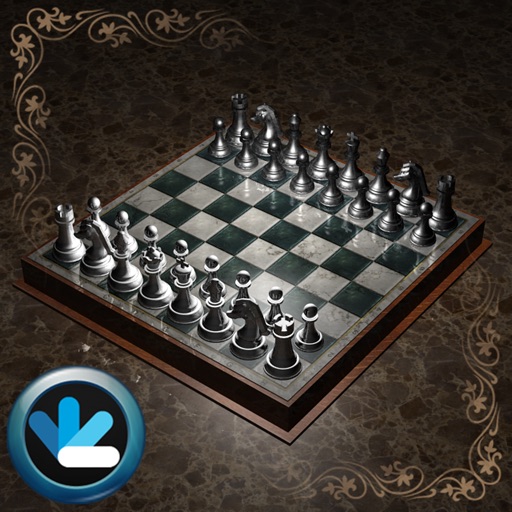
Play in a 3D environment with animated pieces and real-time combat mechanics. Compete against AI opponents or online players. Customize game settings and view move history. Track progress and analyze strategies.
Against another player on a chessboard with balanced moves. Move pieces according to traditional rules. strategies through gameplay. Compete in real-time matches. Track game progress and outcomes.
Play Chinese , solve puzzles in Lines 98, match numbers in Twenty four, connect bubbles in Bubble Connect, and align bricks in Connect Block. Track scores and challenge opponents in each .
Listen to Buddhist teachings and chants including the楞严咒, 大悲咒, 心经, and various sutras read by different monks and teachers. Access lectures on Buddhist philosophy by印光大师 and善导大师.
GLOBILE BILISIM BILGISAYAR HIZMETLERI ILETISIM DANISMANLIK SANAYI TICARET LIMITED SIRKETI
Solve and force checkmate
Solve with varying difficulty levels from mate in 2 to mate in 10. Practice forced mate positions against AI opponents. Review solutions and analyze move sequences to improve tactical skills.
Play using Stockfish 17.1 and other engines like Lc0, Alexandria, and asmFish. Analyze positions, set up custom games, and access engine evaluations. Manage game settings, save matches, and view suggestions.
Play Shogi against AI or with another player on a shared board. Analyze moves by comparing with AI suggestions. Review past games and manage game records.
Play against another person using a 2D board. Move pieces according to standard rules. Access hints for optimal moves during review. Play offline without needing an internet connection or account.
Set time controls for each player with customizable phases and clock types including Fischer, Bronstein, and delay. Use hourglass mode to transfer time between players. Choose from presets or create custom settings. Receive alerts when time is low.