Apps Like Mobidic Guitar Chords for iPhone and iPad
Illustrated guitar chords with realistic sound.
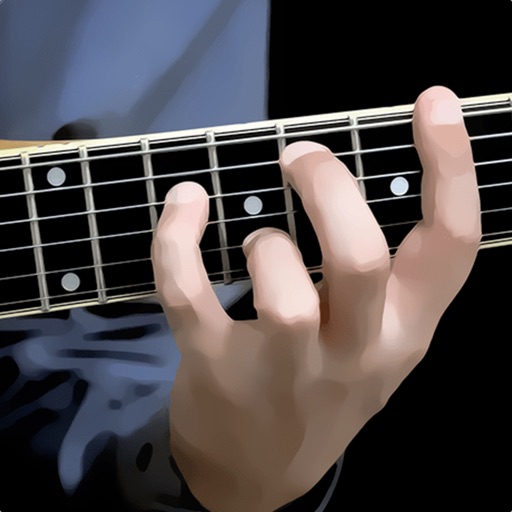
The app is an illustrated chord dictionary for guitar. It contains approximately 5000 chords with realistic sound and displays examples with pictures showing left-hand positioning.
by Authentic Software e Servicos TI EIRELI ME★ 4.02 ratingsMusic$7.99Data updated 2026-11-08
View chords in augmented reality on a piano. See finger placements for over 130 chords. Play chords by touching the piano keys. Adjust settings and save custom configurations.
View and playback guitar, bass, and drum with realistic playback. Access unlimited learning features like speed control, looping, soloing, muting, and pitch shifting with a subscription. Export and share chord progressions.
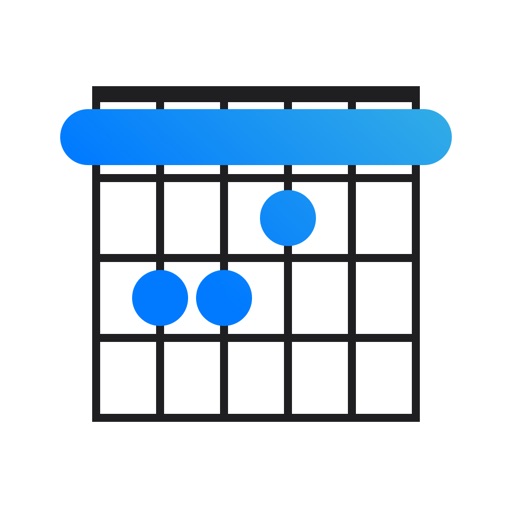
Learn and practice with detailed finger placements and chord diagrams. View chord types including major, minor, diminished, and 7th. Play with built-in sound and save favorites for quick access.
Convert songs into playable chord charts using YouTube links or uploaded audio files. Access pre-loaded chord charts for top tracks. Get instant chord progressions with AI analysis. Share or save chord diagrams for later use.
Learn and with interactive lessons and visual diagrams. Practice with metronome and tuner tools. Explore music theory concepts and compose original songs. Track progress and set practice goals. Sync with other devices for continued learning.
The app provides over 120,000 guitar tabs and chords from artists in Spain and Latin America. It adapts chords and tabs to device screens and includes features like online chord diagrams and auto-scroll.
The app offers tuning for various string instruments including guitars, ukuleles, and cellos. It features educational games for learning chords and ear training, with modes like Tune Guard™ for safe tuning.
Play and songs with real-time feedback and realistic sound. Access over 2000 and arpeggios. Record original tracks in free play mode. Practice bending and picking techniques. Sync with music libraries for song playback.
Tune instruments with pitch detection and visual feedback. Adjust tuning settings for , bass, and ukulele. Access free lessons and practice tools via a account. Track progress and explore chord diagrams and tablature.
Provides chord charts and a chord selector for guitarists. It includes all 28 modes with visual representations of each mode’s unique shape. Users can explore and modes for practice and reference.
Play on iOS devices with a 6-string, 15-fret virtual instrument. Scroll through a fretboard, learn , and practice finger placements. Adjust tuning and view chord diagrams for accurate playing.
And find chords based on the circle of fifths. Learn scales and chord progressions. Identify compatible chords within a key. Set and track musical goals. Sync with instruments and export progressions.
With step-by-step lessons and real-time feedback. Practice with smart games that listen and correct your playing. Access over 14,000 and follow structured lessons to build skills progressively.
The app provides access to over 500,000 guitar tabs, chords, and other musical notation. It features an autoscroll function, a chord dictionary with diagrams, and the ability to save, edit, and transpose songs.
To improve timing, rhythm, and coordination. Perform strumming, plucking, and string striking techniques. Follow dynamic on-screen hints to guide gameplay. Track progress through game modes and skill levels.
The app provides tools for composing guitar songs, including automatic arpeggio, a chords tapboard, and pattern tapboard. Users can record and playback songs with animations and view chord fingering hints.
Learn and practice , ukulele, bass, and drum and . Access over a million songs offline. Browse history, autoscroll, transpose , and view diagrams with multiple variations. Create and save custom songs. Print and share .
Identify and name guitar chords in real time. Display chord diagrams and names. Share chord progressions and variations. Learn chord transitions and fingerings.
Chords and scales with interactive lessons. Use a virtual simulator to practice strumming and fingerpicking. Track progress with lesson completion and skill assessments. Access chord diagrams and tablature for reference.