The app allows users to print photos using the Photo Cube Wireless printer. Users connect to the printer's wifi, select and edit a photo, and then print it in under a minute.
by VuPoint Solutions Inc.★ 1.323 ratingsPhoto & VideoFreeData updated 2026-11-07
Create custom collages and photos with precise measurements. Adjust using millimeters, centimeters, and inches. Rotate and mirror images for accurate alignment. Export and directly from the .
The app transfers photos and videos between devices without needing a USB cable or extra software. It supports transferring to and from non-iOS devices and preserves EXIF info.
Edit photos with single-tap effects and professional filters. Adjust brightness and contrast. Apply blur and focus tools. Enhance portraits with specialized filters. Export edited images in various formats.
Create customized baseball cards with front and back templates. Edit designs, add text and images, and choose layout options. Share digitally or print physically. Include personal messages and collectibles for friends and family.
Edit photos and selfies with AI-powered art filters and effects. Choose from over 40 art styles to create fine art paintings. Share edited artworks on social media with the # hashtag.
Send text messages, photos, and custom greeting cards to inmates. Receive unlimited reply letters via email and phone. Send electronic money orders. Connect with incarcerated loved ones securely across the US.
Create and format official ID photos, photos, and visa application photos for 100+ countries. Adjust size, save, print, or share formatted images. Select from standard or custom dimensions.
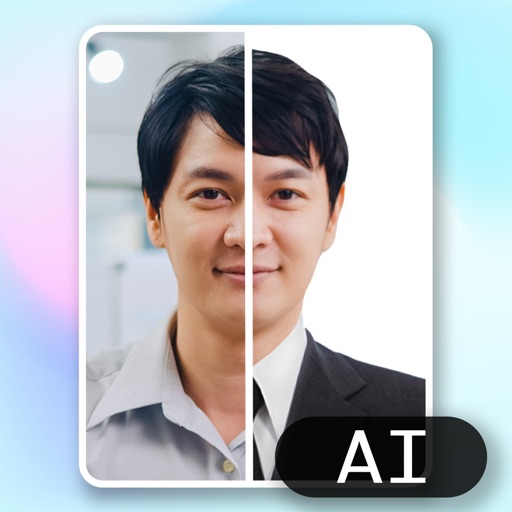
Create ID photos using AI to remove backgrounds and add formal clothing. Edit images directly on your phone simple tools. Save and share the final result.
Take photos with single-tap effects and professionally designed filters. Adjust brightness and contrast. Apply blur and focus. Rotate and crop images. Export edited photos in various formats.
Create custom photo frames by selecting layouts for 2 or 3 images and adjusting rounded corners. Choose from various frame shapes and colors. Adjust sizes for printouts, wallpapers, or other formats.
Take photos or select images from the gallery. Choose or stickers and place them by tapping and dragging. Adjust size, rotate, or move stickers as needed. Share edited photos directly.
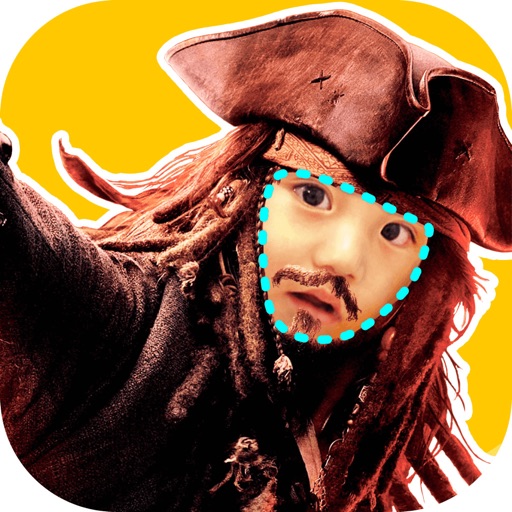
Faces allows users to overlay their on various funny images. Users can select from 12 categories and 300+ photos. They can take a selfie or upload an image and place their on the selected .
Create designs with 4,000+ templates and 50+ fonts. Use pre-made projects to customize layouts. Edit photos in- with basic tools. Export designs for printing.
Edit photos with 60+ high quality filters and 10 types of grain effects. Adjust exposure, shadows, and contrast. Add bloom for highlights and soften the image. Export edited photos in various formats.