The app allows users to write and draw with a pen that synchronizes with finger movement. Users can adjust the pen's scale, thickness, and color for notes, pictures, and comments on photos or documents.
by HIROAKI TSUKASHIMA★ 0.00 ratingsBusinessFreeData updated 2026-11-07
Create drawings with customizable tools and colors. Adjust tool sizes and transparency levels. Undo or redo actions, clear drawings, or wipe off sections. Add blank paper to reset the . Change background and save preferred marker settings.
Use AR to create and view graffiti on real-world surfaces. Draw with pen tools, add stickers, or insert text. Erase or modify artwork anytime. Save creations and share them directly.
And paint with a variety of tools including pens, lines, arrows, rectangles, ellipses, and text. Apply effects, adjust colors, and use filters. Crop, enhance, and add stickers to artwork.
Browse products and services from over 8.6 Mn trusted suppliers. Search for buyers, sellers, resellers, wholesalers, manufacturers, and retailers. Filter by category, location, and pricing. Send inquiries and connect with potential business partners.
VectorPaint allows users to create illustrations with paths, compound paths, text, images, groups, masks, and gradient fills. It supports unlimited layers and exports to SVG or PDF via . Users can select, scale, and manipulate objects efficiently.
The app offers drawing tools, color options, and frame management for creating animations. Users can export animations to video or animated GIF formats and share them.
Create digital notes with handwriting and text. Organize ideas using drag-and-drop sorting. Add drawings, images, and attachments. Share notes via email or cloud services. Customize fonts, colors, and page layouts.
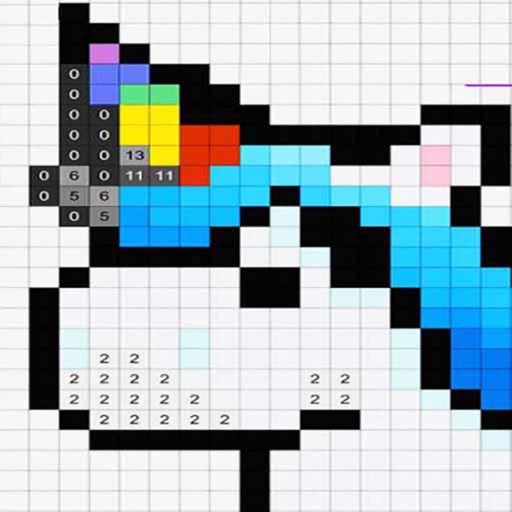
By allows users to select and images based on numbered sections. Features include choosing from floral, mandala, and animal designs, following numbered guides to fill in colors, and completing artwork.
Kids draw animals by placing their device on paper and tracing outlines. Select animal faces from the alphabet menu to learn letters. Draw body parts following on-screen instructions. Combine digital and physical interaction for creative learning.