Photo Splat Free
C Loep
Add color to grayscale photos.
The app converts selected photos to grayscale, sepia, or custom colors. Users can then add color by painting over desired areas with their finger, utilizing paint and eraser modes.

Write and draw with synchronized pen.
The app allows users to write and draw with a pen that synchronizes with finger movement. Users can adjust the pen's scale, thickness, and color for notes, pictures, and comments on photos or documents.
Showing 961–980 of 1,000 ranked alternatives.
C Loep
Add color to grayscale photos.
The app converts selected photos to grayscale, sepia, or custom colors. Users can then add color by painting over desired areas with their finger, utilizing paint and eraser modes.


Maria Gascon
Create striking images in minutes.
The app allows users to create images by writing notes, drawing, and adding captions. Users can select photos from their gallery or take new ones to add various drawing tools and colors.



Intelectiva Soluciones Innovadoras Sociedad Limitada
Paint and discover Rapunzel's world.
The app allows children to paint and draw princesses, princes, castles, and fairies. It offers a wide range of colors and a magic marker for automatic coloring.
CHIA HO KUO
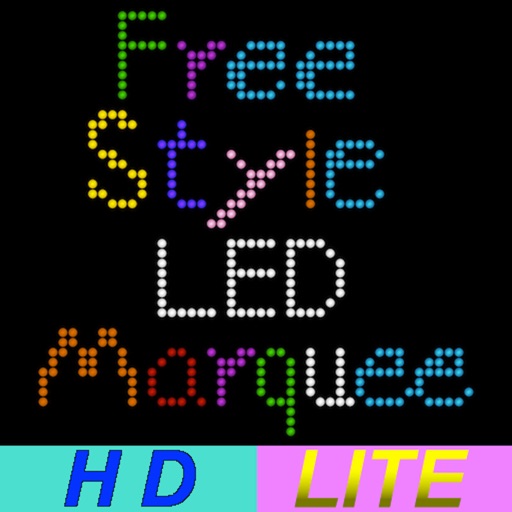
Draw freely with LED colors.
The app allows users to draw via LED freely. Users can set LED color, canvas length, move direction, move speed, gap width, blink frequency, and background color.





Shenzhen Dobot Corp Ltd
Draw, save, and edit with robot arm
Control a robotic arm to draw or write. Users can create art on a drawing board, save or undo drawings, scale images, add text, and repeat actions. Features include unlimited undo, texture application, and direct manipulation of the robotic arm.
Apps are ranked by functional similarity, category fit, rating confidence, and popularity.