Take photos and apply distort, duplicate, or transform effects to create funny face images. Preview live filters before capturing. Create photos, videos, or animated GIFs with the 's effects.
by KANAME OHARA★ 4.4127 ratingsPhoto & VideoFreeData updated 2026-09-09
Upload photos to create dancing videos with AI-generated natural movements. Select from various styles. Generate speaking videos with lip-sync animation. Export high-quality animated videos.
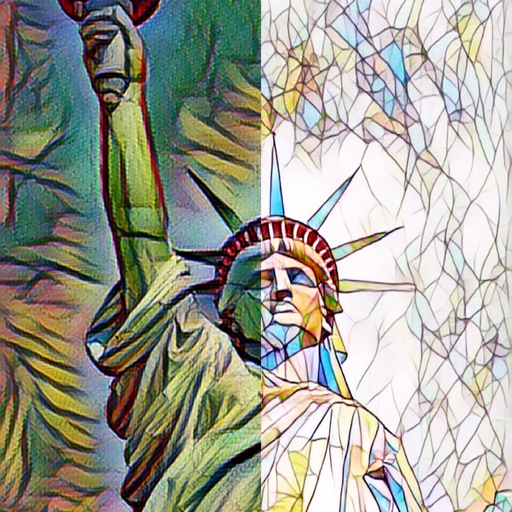
The app automatically corrects photos and offers numerous filters and styles. Users can save high-resolution images for printing and share them across various social networks and platforms.
Create montages by placing your in photos. Add to images. Select photos from the gallery or capture new ones. Share finished montages via social networks or messaging apps.
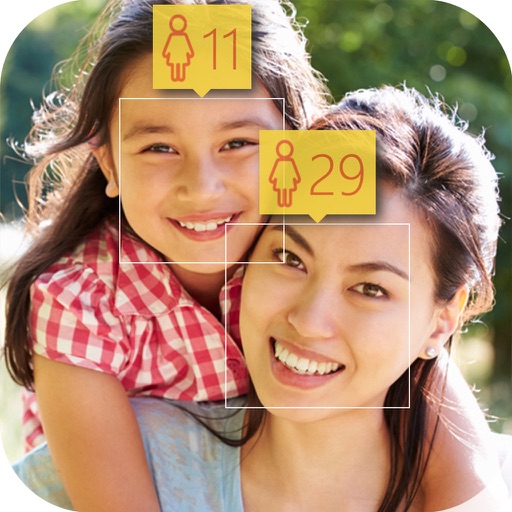
Use filters to compare your face with images. Select from footballer, K-pop idol, or other options. View resemblance results and share them socially. Adjust settings for better match accuracy.
Faces in photos using AI technology. Select images and apply swaps to create realistic results. Preview AI-generated hairstyles and try filters for instant edits. Share edited photos directly from the .
The app provides over 30 effects to make photos appear shiny and sparkly. Users can preview effects instantly and adjust transparency with an alpha slider.
Edit photos by adding faces such as tiger, lion, bear, and giraffe. Choose from over 60 faces and objects like dinosaur and fish. Apply faces with a few taps and share edited photos directly.
Edit photos with and holiday effects. Add text and stickers. Create cards and share edited images directly. Decorate photos with festive themes and access a photo booth feature.
Watch videos from multiple sources including live TV, streaming services, and recorded content. Organize content into personalized playlists. Set playback preferences and manage device connections for synchronized viewing.
Apply -themed to images from the gallery or camera. Adjust frame size and position by rotating, scaling, zooming, or dragging. Choose from fifteen in various shapes and colors. Save edited photos to the device.
Edit photos with single-tap filters, brightness, opacity, contrast, blur, and focus adjustments. Rotate, crop, and resize images. Share to Facebook, Twitter, or Instagram. Save to photo library or send directly.