Apps Like Pinkfong Kids Coloring Fun for iPhone and iPad
Color pages, add stickers, make cards
Create custom pages with over 220 themes and pages. Choose from various colors and tools like brushes, glitters, and patterns. Add stickers to decorate artwork. Save and share completed drawings.
by The Pinkfong Company, Inc.★ 4.142 ratingsEducationFreeData updated 2026-09-09
Create and customize digital coloring pages with a variety of bright colors. on pages to practice motor skills and creativity. Save and share completed artwork. Includes multiple pre-designed coloring templates.
Color pages with tap, swipe, and brush adjustments. Choose from kawaii-style illustrations featuring bears, bunnies, flowers, and scenes. Use soft pastel color palettes for a gentle, dreamy experience.
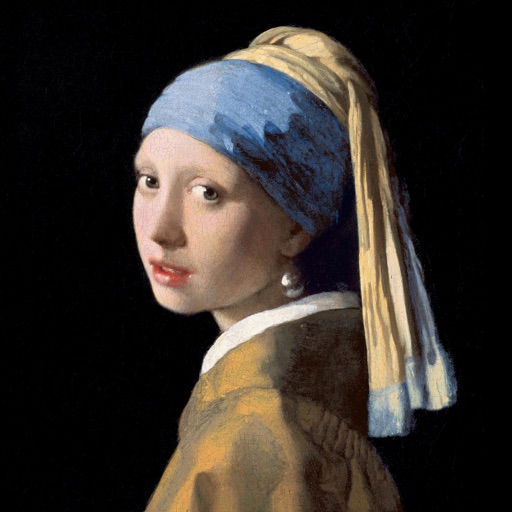
Color the art versions of famous paintings. Choose from a weekly updated collection of artworks. Remove ads and unlock unlimited through the Amuse Museum Club. Save and share completed drawings.
Educational allows children to color animated stories step by step. Includes painting tools and interactive elements to bring stories to life. Features updated books on various topics.
Draw and color images with interactive tools. Choose from various templates and colors. Save completed drawings. Receive positive feedback and encouragement. Learn shapes and colors through playful activities.
Lets users choose from various pages to color. Features include brush for detailed artwork, multiple color options, and the ability to save and share creations. Pages can be zoomed and panned for better control.
Keiki Coloring offers themed coloring pages for toddlers and preschoolers. Users can ABC letters, numbers, and tracing pages. Features include interactive activities to develop motor skills, problem-solving, and attention.
Choose from various drawings to color. Select colors and tools to customize each illustration. Save or share completed artwork. Access for horses, dogs, and other animals.
Create and customize artwork using hundreds of themed pages. Choose from various styles and colors to fill in lines. Save and share completed drawings. Explore a gallery of user-generated and pre-designed illustrations.
Learn to draw anime characters with structured lessons covering basic poses and chibis. Access coloring pages for stress relief. Use realistic brushes to enhance techniques. Track progress and practice different art styles.
Create art with customizable themes like Unicorn, Candy, and Halloween. Choose shapes, polish colors, glitters, and patterns. Add stickers, gems, rings, bracelets, and jewelry. Save or share finished designs.
Let children color pages with touch-based drawing tools. Choose from multiple color options and erase mistakes. Save completed drawings and share via social media or email.
Children can freely using a virtual notebook with crayons and brushes. They can sketch shapes, experiment with colors, and create without limits or templates.
Create mandalas using watercolor, crayon, and oil paint tools. Add glitters for sparkle effects. Choose from anti-stress coloring pages and creative templates. Save and share finished artwork.
Color and collect dinosaur illustrations with two modes: free and color by number. Use a colorful palette to create drawings. Learn about dinosaurs through educational content and receive new cards after each completed illustration.
Solve and color drawings in various themes like underwater scenes and jungle animals. Use brushes, pencils, and tools for coloring. Interact with sounds and backgrounds. Complete and create drawings. Save and share finished artwork.