Edit photos by applying recommended background colors and color combinations. Adjust color schemes with two fingers. Blur backgrounds and select from multiple color options. Access photos from the album and make edits directly.
Edit photos with 60+ high quality filters and 10 types of grain effects. Adjust exposure, shadows, and contrast. Add bloom for highlights and soften the image. Export edited photos in various formats.
Backgrounds with a single touch. Replace backgrounds with any image. Apply blur to create a depth effect. Adjust clarity for better visibility. Export edited images directly.
The app allows users to customize their iPhone camera with various atmospheric photo styles. It offers adjustments for brightness, contrast, blur, focus, and vignetting, along with 18 color filters.
Apply bokeh, disc, Gaussian, morphology gradient, motion, or zoom blur effects to images. Adjust colors and enhance or remove them for improved visuals. Export edited images in various formats.
Take selfies with a live beauty and apply custom filters. Create collages in 18 styles with masks and frames. Add spiral or neon effects to photos. Enhance and save library images. Capture selfies with a timer.
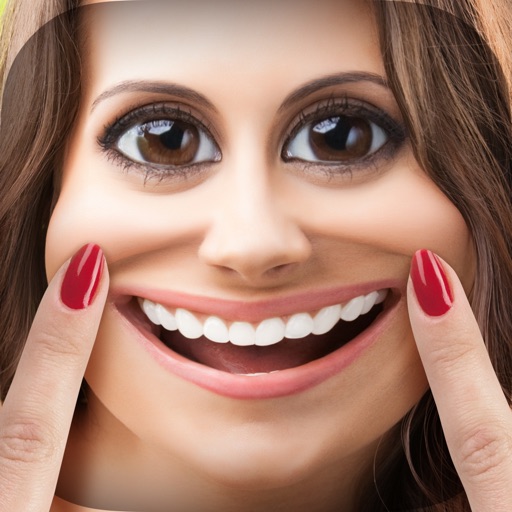
Edit photos with , bend, and distortion tools. Apply one-click makeovers for facial and body changes. Adjust body shape, slim down, or enlarge features. Save and share modified images.
Edit images by applying a swirling effect to simulate draining them down a sink. Customize with emoji face and eye replacements, face blur, and background styles. Save favorite edits with custom quotes, colors, and textures.
Edit stereoscopic images with auto-alignment and manual adjustment of L/R positions. Import L/R independent, SBS, MPO, or spatial photos. Display in SBS, mirror, 2D, anaglyph, or wiggle modes.
Edit photos with AI-powered enhancement, colorization, and object removal. Adjust lighting, sharpen details, and correct imions. Apply filters and restore old photos. Export edited images in various formats.
Capture and export still images in HD quality. Adjust shutter settings manually or automatically. Create time-lapse or stop motion videos by recording sequences. Play back videos at adjusted speeds. Export videos in supported formats.