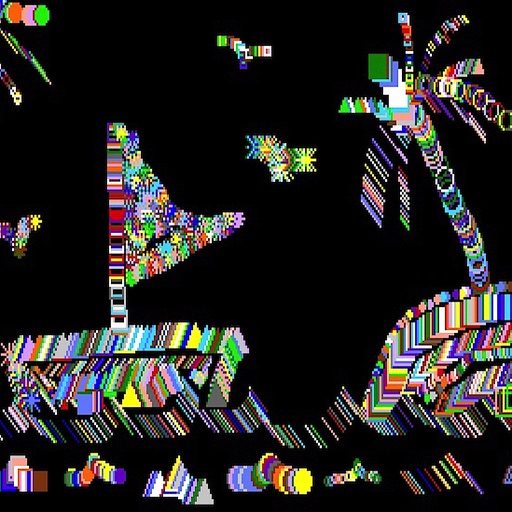
The app allows users to create pixel art characters or landscapes using their fingers. It includes a color history feature to store four colors per work and a gallery to manage created art.
by DAI WEIJIE★ 5.01 ratingsPhoto & VideoFreeData updated 2026-11-06
Create crafts with plates and step-by-step lessons
Teach kids aged 3-7 to create crafts using plates. Lessons guide step-by-step creation of items like dogs and hens. Includes 14 games and activities for practice. Encourages creativity through interactive challenges.
Capture real-time pixel art images with adjustable grid sizes from 16x16 to 256x256. Edit pixels using brush tools. Record GIFs for animation. Save and share sprite-style photos instantly.
The app allows users to edit photographs by adjusting brightness, tint, and balance. Users can apply filters such as Sepia, Colorize, Wave, Watercolor, and Color Reduction to create collages and greeting cards.
The app draws random shapes in random colors and sizes. Users can clear the screen with a two-finger tap or shake the device to access a menu for background options.
Identify art styles and through quizzes. Learn about art movements and periods. Compare and artworks. Test knowledge with challenges and compete against other users. Track progress and receive feedback on answers.
Create digital art from text prompts by selecting an art style. Generate AI avatars, pet avatars, cartoons, movie characters, star signs, monuments, and icons. Export and share the resulting artwork.
The app provides a drawing experience using an ancient drawing style. It allows users of all ages to create unique works of art with HD sounds and graphics.
The app allows users to create sand animations, enhancing emotional stability and fine motor skills. It is suitable for both children and adults, offering a fun experience and the ability to share creations on social networks.
Create greeting by placing photos in flower and nature . Select from various pre-designed or use your mobile gallery or camera. Adjust photos with zoom, rotate, and move gestures. Save and share through social networking apps.
The app allows users to draw and write on their iPad, functioning as a notepad or blackboard. Users can add typed text, choose background colors, and save or share their creations via email or social media.
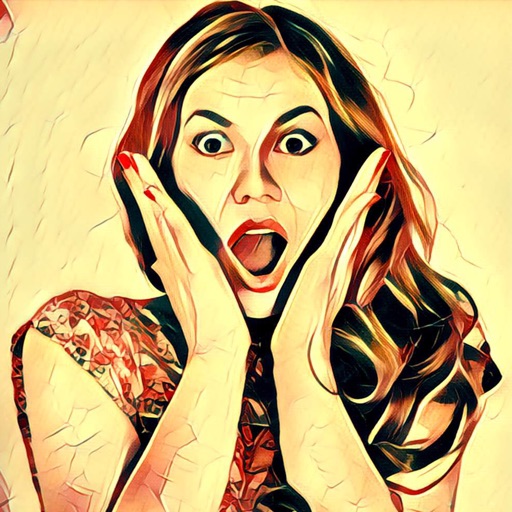
Convert photos into cartoons with AI-powered filters and editing tools. Apply various styles to images. Share edited cartoons directly with friends. Create anime-style art and funny toons from photos.
View and place virtual wall art and pictures in real-time using AR. Adjust positioning and scale. Save and share arrangements via Instagram. Explore different decor styles and layouts.
Attach speech balloons to photos with intuitive steps. Add text captions or logos without frames. Include hand-drawn elements. Edit and share modified images directly.
Create art with interactive brushes like slime, tie-dye, and fire. Design with mini games such as Friendship Bracelet Creator. Use art history themed stickers and seasonal holiday packs. Choose from 150+ colors including pastels and neons.