The app allows users to create pixel art characters or landscapes using their fingers. It includes a color history feature to store four colors per work and a gallery to manage created art.
by DAI WEIJIE★ 5.01 ratingsPhoto & VideoFreeData updated 2026-11-06
The app presents over 100,000 paintings and sculptures from major western artists. Users can explore art by period, location, and artist, with detailed captions and in-depth information available.
Create art using realistic and watercolor effects. Draw with tools like marker, airbrush, crayon, and eraser. Apply fluid-based watercolor effects in the full version. Adjust colors and blend textures for detailed illustrations.
The app reinterprets photographic data by allowing users to select presets or set custom parameters. Users can provide a photo to the app to generate art.
Create AI avatars from photos and generate AI art from text prompts. Customize avatars with different styles and expressions. Share avatars as profile pictures or on social media. Edit and export AI art in various formats.
Transform photos into clay-style cartoon art using AI. Upload images to generate unique artworks. Customize details like colors and expressions. Share creations on social media platforms.
The app delivers a world-famous painting daily to the user's device. Users can collect masterpieces and build a personal art gallery, exploring works from various global artists and civilizations.
The app allows users to play sounds in mid-air using the iPad's camera. It provides a sound sandbox and art creation tool with over 80 interactive colors, each producing a unique sound.
The app develops a child's creativity by allowing them to draw with colors and create music. It helps children perceive links between color, sound, and shape, offering a unique sensorial experience.
Transform photos into paintings with art filters inspired by famous artists like Warhol, Modigliani, Picasso, and Rembrandt. Apply 50+ aesthetic lens effects. Edit images without Photoshop skills. Share edited photos directly.
Create profiles and share AI-generated art with others. View and vote on artwork to influence the Smart trend feed. Generate variations of existing art using built-in tools. Rate and comment on user creations to engage with the community.
Create custom from photos or choose from pre-made images. Select puzzle pieces from a phone or tablet gallery. Develop attention, observation, visual memory, fine motor skills, and coordination through puzzle assembly.
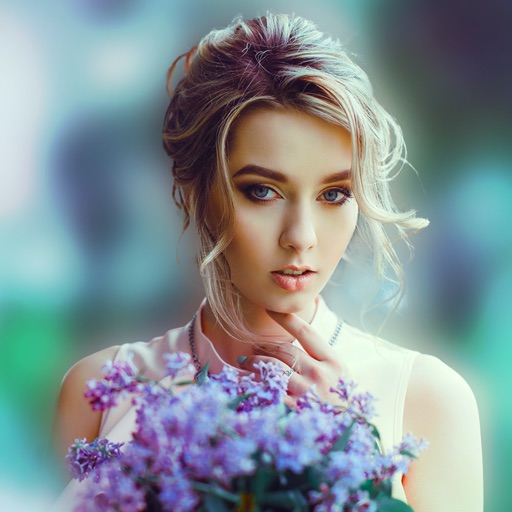
Blur image backgrounds to create effects. Select photos from gallery or capture new images. Apply multiple blurring tools to adjust blur intensity. Export edited photos to device storage.
The app allows users to create digital art using various brush styles and effects. Users can save their creations to a gallery or share them via email, Facebook, and Twitter.
Edit photos by selecting from gallery or camera. Cut out the main subject with tools. Replace the using gallery images or built-in options. Save and share the edited .
Create art with 10 brushes. Adjust brush size and color randomly. Import photos to doodle on. Add drawings to family images for customization. Save and share completed artwork.
Generate images and videos in various artistic styles, including emotions and art movements. Visualize personal goals through interactive Wish Map features. Create custom comic books with sequential panels.