Apps Like PixelPix pixel photo editor for iPhone and iPad
Turn photos into art masterpieces
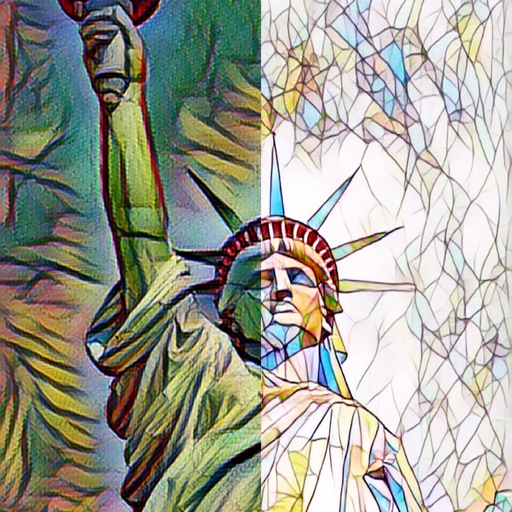
Convert photos into art using 7 filters: Basic, Circle, Dots, Rainbow, Ink, Mine, and Toon. Edit and share art on Instagram, Facebook, Twitter, and Weibo. Export and share finished artworks directly.
by kitaek kim★ 2.85 ratingsEntertainmentFreeData updated 2026-09-09
Create art using realistic and watercolor effects. Draw with tools like marker, airbrush, crayon, and eraser. Apply fluid-based watercolor effects in the full version. Adjust colors and blend textures for detailed illustrations.
Teaches handwriting through tracing letters with a magic star and connect-the-dots exercises. Includes practice pages for letter formation. Features a drawing pad and 52 coloring pages for creative play.
Enhance and beautify photos with AI-powered upscaling and detail refinement. Remove blemishes, adjust skin tone, and sharpen images. Apply filters and effects. Export in various formats and share directly.
Create stick figures and customize them with drawings. Guide through challenges and puzzles. objects to unlock rewards and defeat enemies. Share creations via social media and email.
The app automatically corrects photos and offers numerous filters and styles. Users can save high-resolution images for printing and share them across various social networks and platforms.
And shoot through space to defeat an evil empire and retrieve sacred gems. Control a customizable character with power-ups and haptic feedback. Battle bosses and unlock new characters. Compete on Game Center leaderboards and earn achievements.
Create photos with effects and light leaks. Apply 36 shapes and 33 light leak effects. Use 23 image filters. Adjust size, opacity, and color. Draw multiple shapes with touch. Apply multiple shapes to one photo.
Play a brick-breaker game with pixel art and colorful levels. Break to progress through stages. Adjust paddle movement and power-ups. Compete against time and bosses. Suitable for all ages.
Create art with a variety of color palettes and brush tools. Choose from daily themed pages. Customize colors and patterns. Save and share completed artwork. Adjust brush size and opacity for detailed strokes.