Apps Like The Document Converter for iPhone and iPad
Convert files to any format
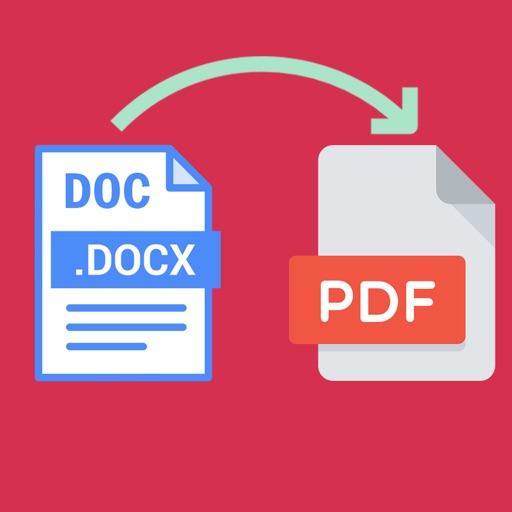
Convert files to various formats including DOC, DOCX, PDF, JPG, and PNG. Select input files, choose desired output format, and convert with quick processing. Save or open converted files in Office, Drive, or Dropbox.
by Float Tech, LLC★ 4.75,948 ratingsUtilitiesFreeData updated 2026-09-09
Word documents to PDF with full font support including Unicode, Indian, Arabic, Brazilian, and special fonts. Edit and view PDFs without font errors. Save and share converted files directly.
Convert photos to PDF instantly with high-quality output. Merge multiple images into a single file or batch process multiple photos. No watermarks, no uploads, and fully offline. Share or save converted files directly.
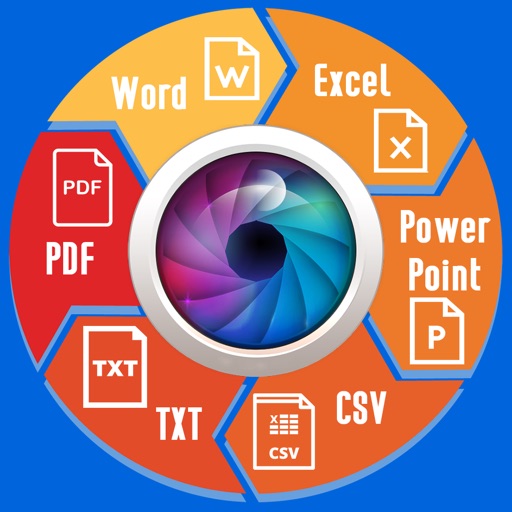
Extract text from scanned images and convert to Word, Excel, or PDF. Edit extracted content in Word or Excel. Convert tables and format from images to Excel or Word. Save as text files or PDFs. No registration required for conversions.
Convert PDF pages to high-quality JPG, PNG, and TIFF images. Access files from device folders or cloud storage. Export converted images for reuse in other applications.
View and manage PDF, Word, Excel, and text files directly on Apple . Scroll through pages, zoom in and out, navigate to specific pages, and access files from the wrist.
Transfer files between iPhone, iPad, and Mac via HTTP. Manage files with copy, move, delete, folder creation, renaming, and compression. Import files from computer or iCloud. Open common document formats like Word, Excel, PPT.
And decompress files with ZIP and RAR formats. View and open documents like PDF, DOC, and images. Create folders and manage storage. Access file viewer and organize files efficiently.
The app unarchives files in multiple formats including .zip, .rar, and .7z. It also supports file management through Wi-Fi transfer, iTunes File Sharing, and remote browsing.
Between various formats including DOC, DOCX, SWF, HTML, ODT, PDF, RTF, TEX, TXT, LaTeX, ConTeXt, Markdown, and more. Upload files to them online and download the results. Share converted via email or cloud storage.
Images between and PNG formats. Select files to from GIF, PNG, or BMP. Transparent areas in GIF or PNG are converted to white. Share converted files via the share button. Save converted or PNG files to your device.
Convert PDF files to editable documents. Extract text from images using OCR. Select files from your device or gallery. Save converted files in format. Manage documents on the go.