Create DSLR-style photos with background blur by selecting focus areas. Apply various filter effects for natural and realistic results. Adjust focus precision for professional-quality images.
Blurify allows users to specific areas of a or the entire background. They can select from various brush types and shapes to apply . Adjust the intensity using a slider. Pre-set effects can be applied for different styles.
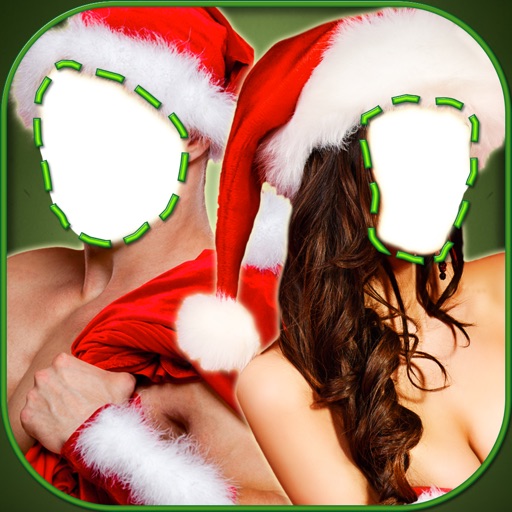
Select and edit photos to add . Choose from various cap styles and position them on the head. Adjust cap fit and appearance. Save and share edited images.
Detects and removes duplicate photos, blurred images, and low-quality screenshots using machine learning. Automatically frees up storage by deleting unwanted files. Cleans camera roll without manual selection.
Edit photos and videos with gradient filters, color effects, and vintage styles. Apply effects during recording. Save and share edited content directly.
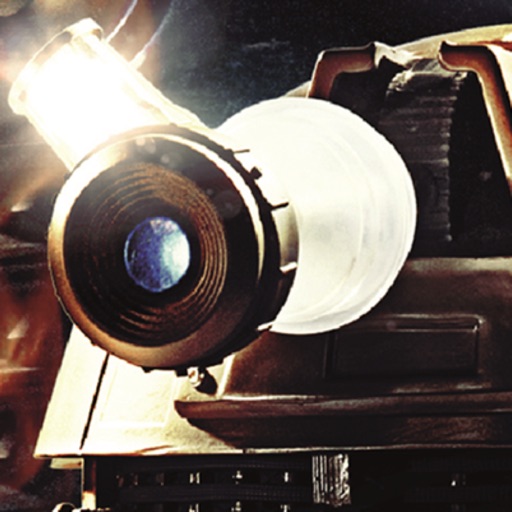
The app transforms devices into a Dalek's lens for photos and movies. It offers seven visual effects from Doctor Who's history, including black and white and thermal imaging.
Turn photos into cartoons with AI-powered filters. Apply effects, add toon backgrounds, and combine drip effects. Edit layouts and create anime-style avatars. Share edited images on social media platforms like Instagram, Facebook, and TikTok.
Edit photos by blending multiple images together using advanced editing tools. Adjust brightness, contrast, and color. Access a library of preloaded images to mix with personal photos. Export and share edited results.
Edit photos with blending tools to create double exposure effects. Add frames, quotes, and background elements. Apply single-layer filters. Export edited images without ads. two images with one touch.
The app allows users to edit photos to create fake miniatures and adjust depth of field. Users can select or take a photo and apply blur tools for smooth transitions between focused and unfocused areas.