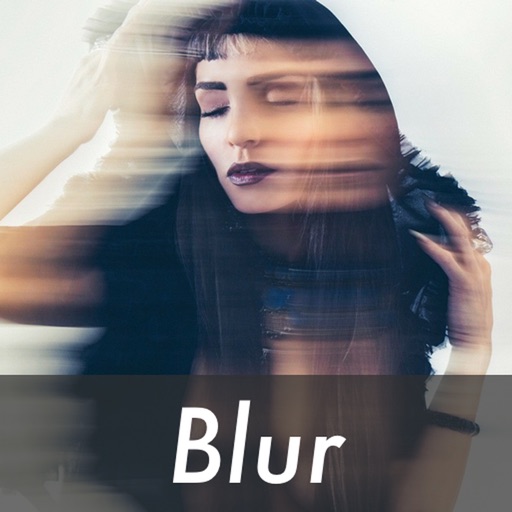
The app allows users to apply an iOS8 blurred effect to pictures. Users can get a photo from the Camera Roll or take a new one, apply the filter, and then save or share it.
by Miguel Lorenzo★ 1.01 ratingsPhoto & VideoFreeData updated 2026-11-05
Create animated videos from photos by applying effects to specific objects. Choose images from the gallery or take new photos. Apply transformations like explode, melt, crush, cake-ify, inflate, or squish. Export and share the final animated .
Edit photos using adjustable filters for brightness, contrast, saturation, color temperature, highlights, shadows, and color. Add text to images for customization. Preview in real time. Remove previous settings. Save edited photos to the device.
Simulate X-ray scans of items using the camera for a playful effect. Tap to scan and reveal hidden surprises. Share results with friends. No real X-ray functionality is provided.
The app offers tools for photo editing, including auto enhance, meme generation, stickers, frames, and text. Users can adjust color balance, saturation, and sharpness, and crop or rotate images.
The app allows users to combine two photos to create blended images. Users can select photos from their library, take new pictures, or use provided samples to generate humorous results.
Edit photos with one-touch filters for vivid, delicious results. Adjust brightness, contrast, and saturation. Add text overlays and stickers. Share edited images directly to social media or blogs.
Apply filters to photos and videos for enhanced visuals. Choose from hundreds of professionally crafted filters organized by category such as Black & White, Selfie, Food, and Vintage.
The app allows users to edit photos by cropping and rotating them. It offers various frames and special effects, including classic, fashion, and artistic styles.
Take photos or select images from the camera roll. Add romantic stickers and effects to enhance the image. Save creations and share via email, Twitter, or Facebook.