The app allows for real-time video instruction and analysis. Users can capture video, review it in slow-motion, and mark up clips with notes and drawings.
Record videos and take photos with functionality. Adjust zoom, focus, and exposure manually. Switch between photo and modes seamlessly. Share captured content directly.
The app captures swings in full HD for slow motion and frame-by-frame playback. It offers multiple drawing tools, video analysis, and comparison features.
Create animated cartoon videos using frame-by-frame drawing. Doodle on different papers or over photos to build animations. Export as GIF or and share directly.
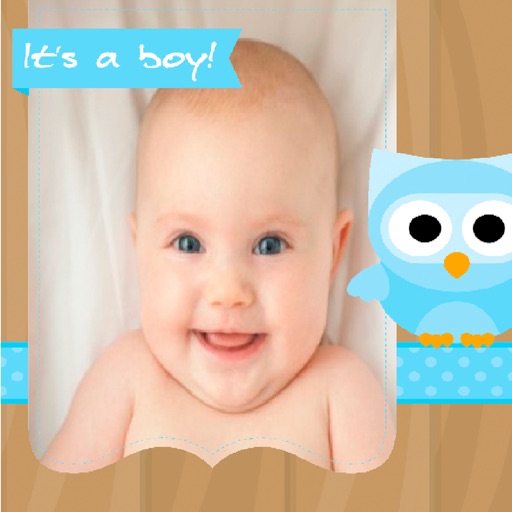
Create greeting by selecting and photos from your gallery or camera. Adjust photos with zoom, rotate, and move gestures. Save and share through social media apps.
GIFs by combining static or converting video clips. Edit and mix existing GIFs. Preview Library. Customize colors, frames, and timing. Export and share finished GIFs.
Displays live posters on home theater screens. Integrates with media players for direct control. Scales to 8K resolution for high-quality visuals. Supports macOS, tvOS, iOS, and iPadOS devices. Allows remote control via iPhone.
The app allows users to add images to their videos. Users can modify frame colors and letters, and intuitively edit frames by moving, rotating, and changing scale.
Create stop motion animations with frame-by-frame control and variable frame rates. Delete single or all frames, play loops, and preview frames. Save animations to Camera Roll or email as flip book images.